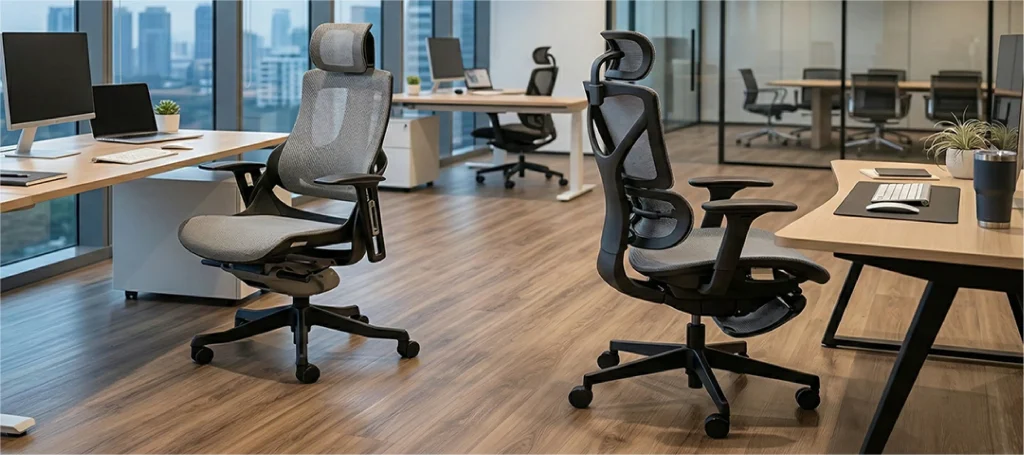
How to Choose the Best Ergonomic Chair for Solo Movie Nights

Choosing the right ergonomic chair for solo movie nights is harder than it looks. Most desk chairs are built for posture, not for a three-hour Netflix session. Solo movie nights at a desk are becoming the norm, whether it’s on a laptop, widescreen monitor, or converted TV setup.
The best ergonomic chair for solo movie nights balances recline flexibility with lumbar support. Look for adjustable tilt tension, a seat depth of at least 45 cm, and breathable mesh. Chairs like the Zenit, Aire, and Boba handle both desk work and long viewing sessions without forcing you to choose.
If the feature names are new to you, start with how to evaluate ergonomic chair features, then come back for the movie-night specifics.
But here’s the problem: most desk chairs just aren’t made for both relaxing and working.
Racing chairs are stiff. Lumbar bulges fight you. And most people just want something comfortable for movies that still works at a desk.
At the same time, they don’t want a boring-looking office chair that reminds them of their work. After all, movie nights are all about detoxing from everything work-related.
So which is it: gaming chair or office chair?
The reality is that you don’t have to choose. There are chairs that offer not only comfort but also the aesthetics that complement your movie marathons.
What Makes a Great Chair for Movie Nights?
What should I look for in a chair for watching movies at a desk?
After combing through Reddit and Quora threads, here are the most-mentioned “must-haves” for a great solo movie night setup:
- Back support you don’t have to fight against
- Flexibility to suit your various needs
- Wide or deep seats that allow you to sit cross-legged
- Adjustable recline to find your sweet spot
- Breathable materials for long sessions
- Easy transitions from work mode to relax mode
The chair that supports you through eight hours of work should also let you relax through two hours of film. Back support carries both modes, and what lumbar support actually does during long sits explains why. These aren’t competing requirements; they’re the same one.
Distance does half the comfort work. OSHA’s workstation guidance puts the screen 50 to 100 cm from your eyes, with the top edge at or below eye level. Keep that true even when you recline.
Is recline or lumbar support more important for long viewing sessions?
Recline for viewing, lumbar for work, and the order matters by hour. During a film your back wants angle changes more than pressure; during a workday it wants steady lumbar contact. A chair serving both needs recline that keeps the lumbar pad against you as the angle opens.
Sounds like a tall order, right? But with Merryfair, it’s completely possible. Let’s break down some options that actually deliver.
1. Zenit: The Classy Recliner
Is the Zenit good for long movie sessions?
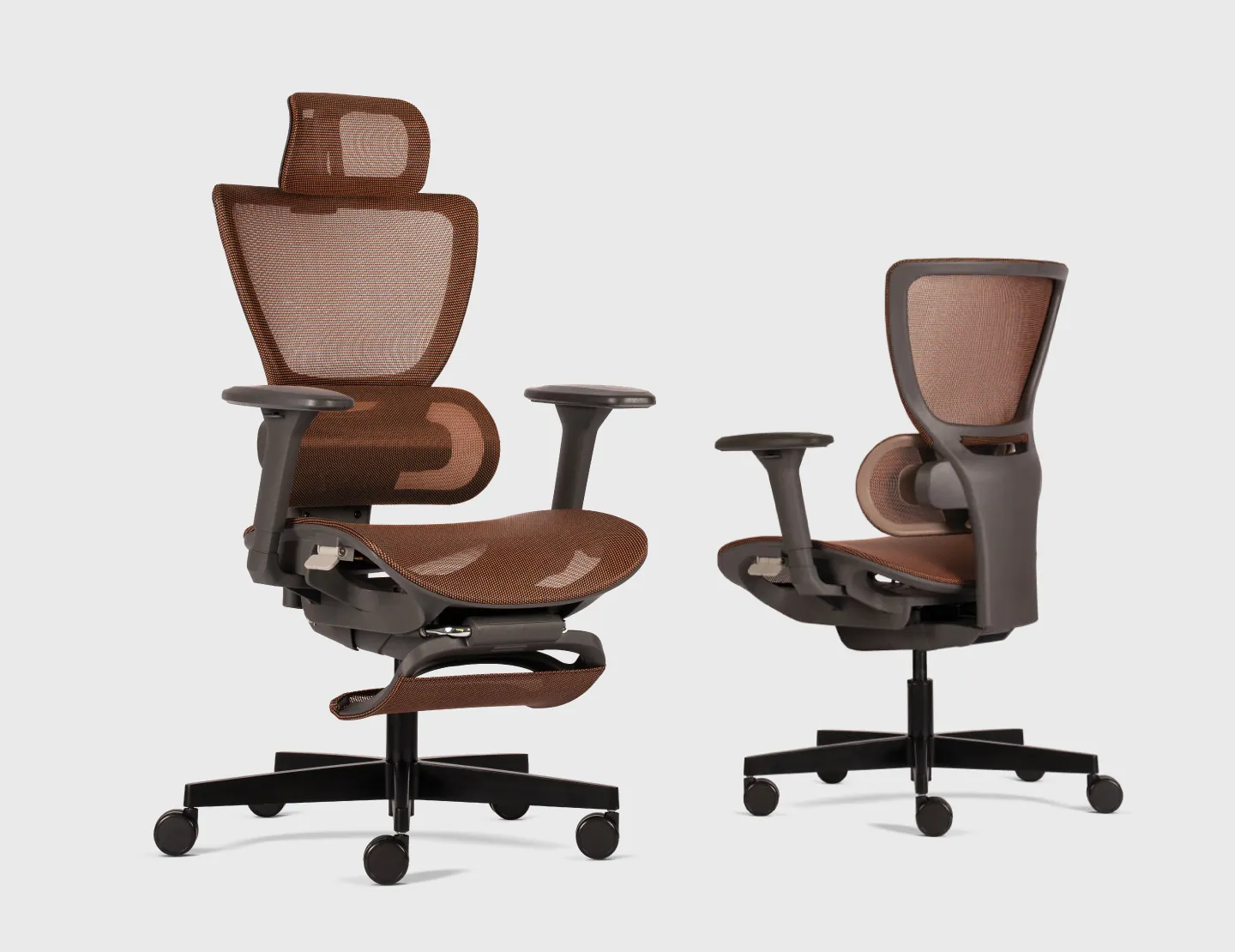
If your ideal chair needs to look premium and feel plush, Zenit is the one. With an easy-glide backrest and adjustable lumbar, it works effortlessly for office tasks and leisure activities. While it’s built for posture, it’s also flexible enough for people who sit cross-legged or scoot forward when relaxing.
In real use, the glide is what registers. You lean back for a slow scene and the backrest follows, no click, no catch.
Zenit’s one caveat is bulk. The premium build that makes it feel like a lounger also makes it a commitment; it isn’t a chair you casually drag across the room.
2. Aire: Minimalist Look, Maximum Chill
Is the Aire comfortable for movie marathons?
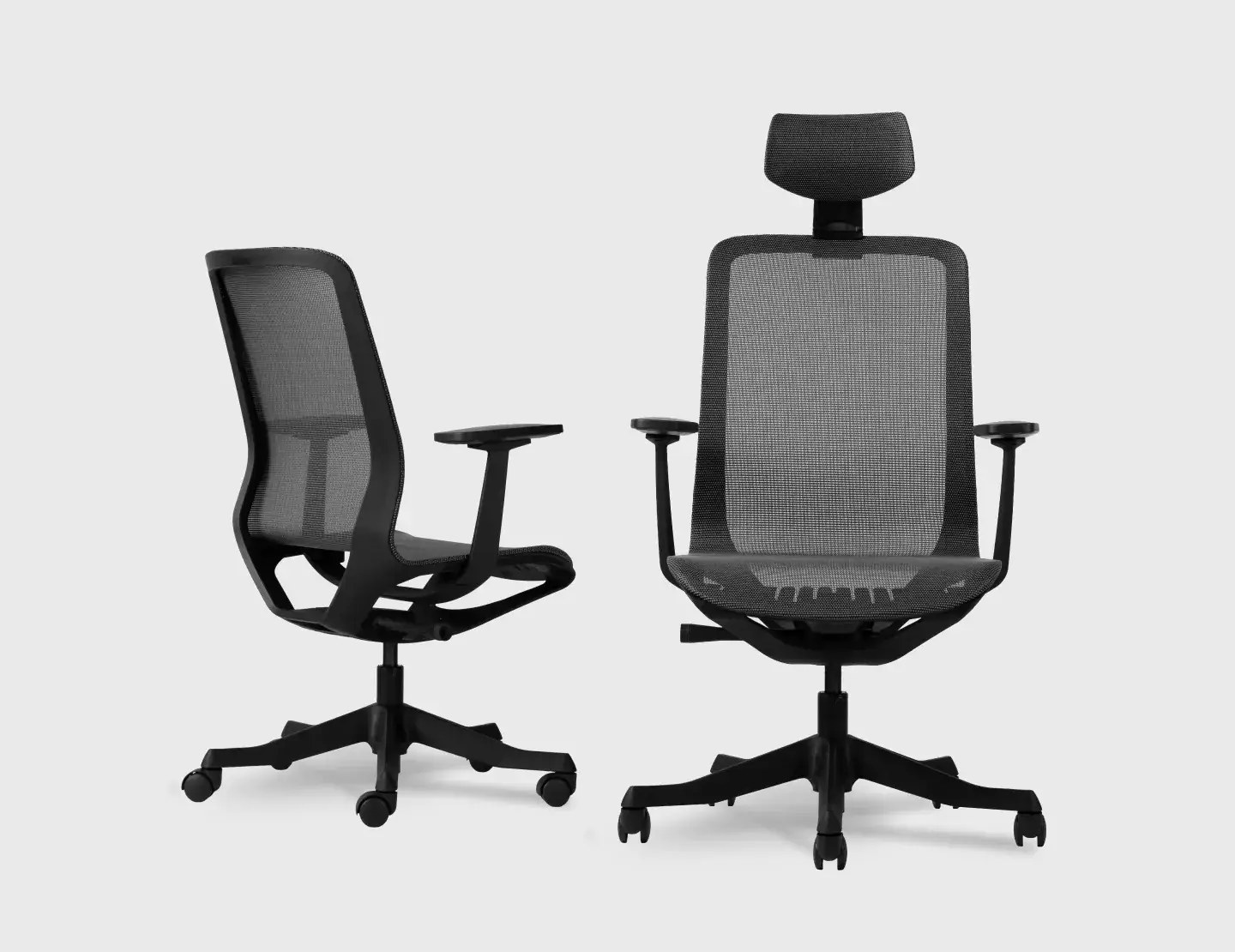
Not everyone wants a bulky chair. If you’re into sleek setups and move your chair around often (e.g. from desk to window view), Aire is your best pick. It’s lightweight, durable, and surprisingly comfortable thanks to its body-weight-recline mechanism. There’s no clunky lever-fiddling, and the mesh back keeps you cool even during 3-hour movie marathons. That cooling isn’t a small thing; why mesh breathability matters for extended sessions comes down to material choice.
The trade-off is armrest range. Aire’s minimalist arms won’t suit viewers who prop one elbow through an entire film.
3. Boba: The Lounging Throne
Is the Boba good for cross-legged sitting?
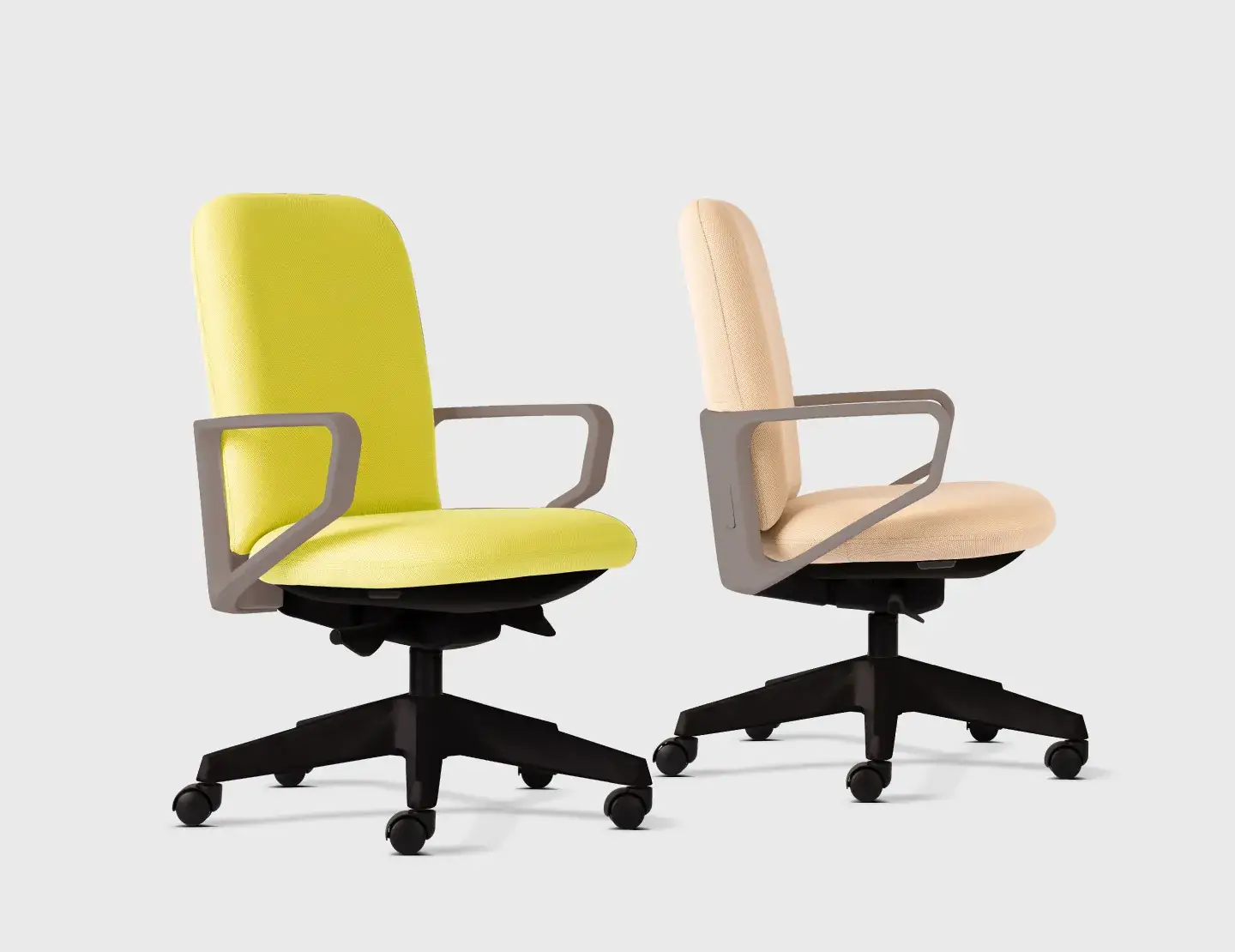
If your movie ritual includes putting your feet on the table or curled-up seating, Boba’s got your back, literally. The 50mm seat depth adjustment and armrest height tweak allow you to shift positions easily without slipping off the chair or compromising comfort. Its self-weight balance tilt system also helps you recline just enough to chill. That ease comes from the mechanism itself: how synchro tilt affects recline comfort covers what separates tilt systems.
For scale: 50 mm of seat-depth travel is one of the widest ranges in Merryfair’s lineup. That’s the spec doing the work when you switch from cross-legged to feet-flat without re-tuning anything.
One note from the design side: self-weight tilt calibrates to body mass, so lighter users get a firmer recline. Test it seated fully back, not perched on the edge.
4. Spinelly: Stay Put, Stay Comfy
Can you watch movies comfortably in a Spinelly?
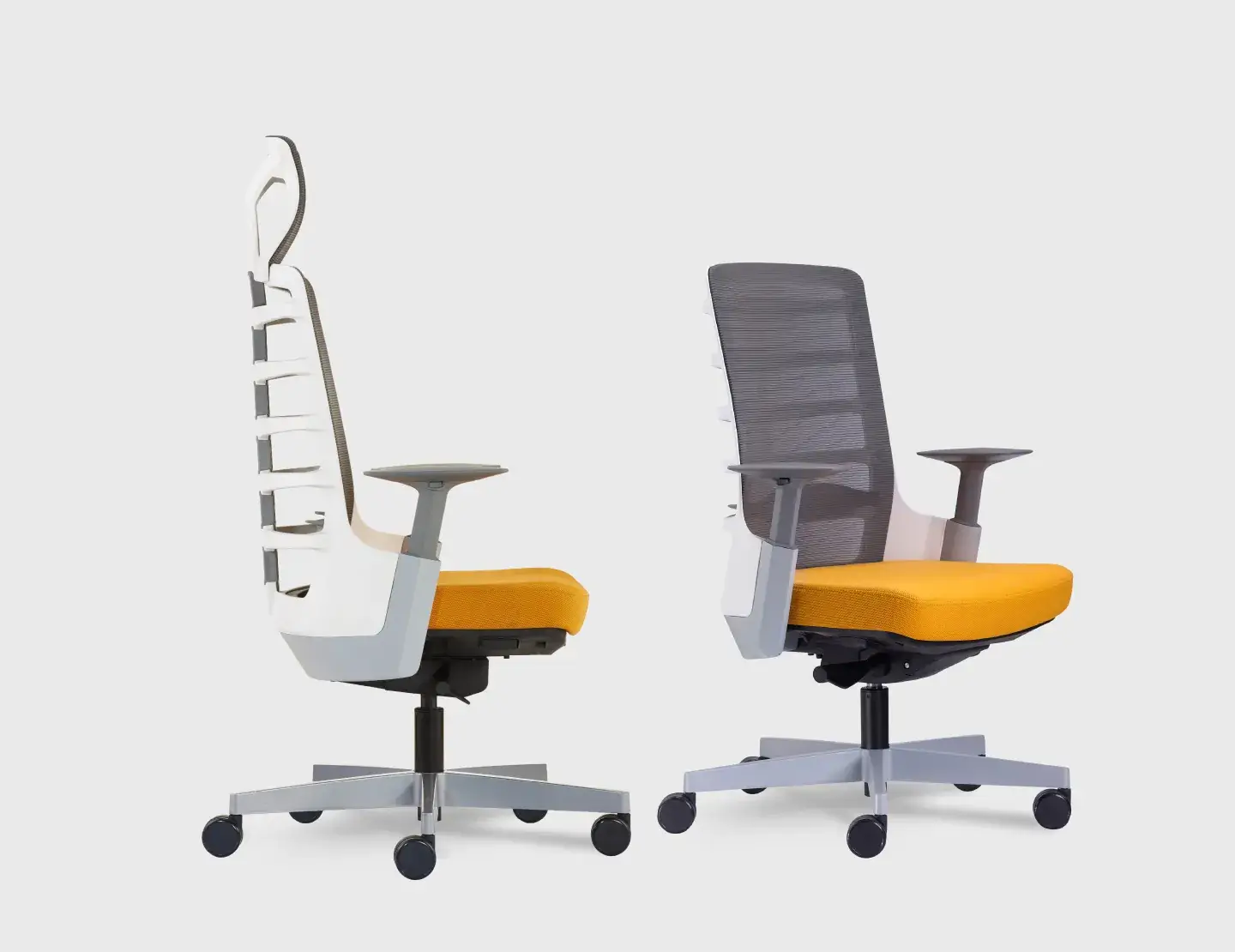
Spinelly is a fan favourite for users who watch movies at their desks and don’t want to feel like they’re working. The vertebrae-inspired spine system keeps your posture in check but still allows enough flex to lean, shift, or sit forward when you’re deep in a thriller. It’s also one of the most durable Merryfair chairs so it’ll survive binge sessions, editing breaks, and all the fidgeting in between.
What you’ll actually notice mid-thriller: you’re on the seat edge, then slumped, then forward again. The spine system keeps quiet contact the whole way.
The caveat: the vertebrae-inspired flex system is tuned for forward-leaning desk work. Recline past 100 degrees and the flex tapers off. It’s not a lounger; it’s a chair that tolerates leisure.
5. Saga Collection: The Classic Crowd-Pleaser
Is the Saga worth it for movie nights?
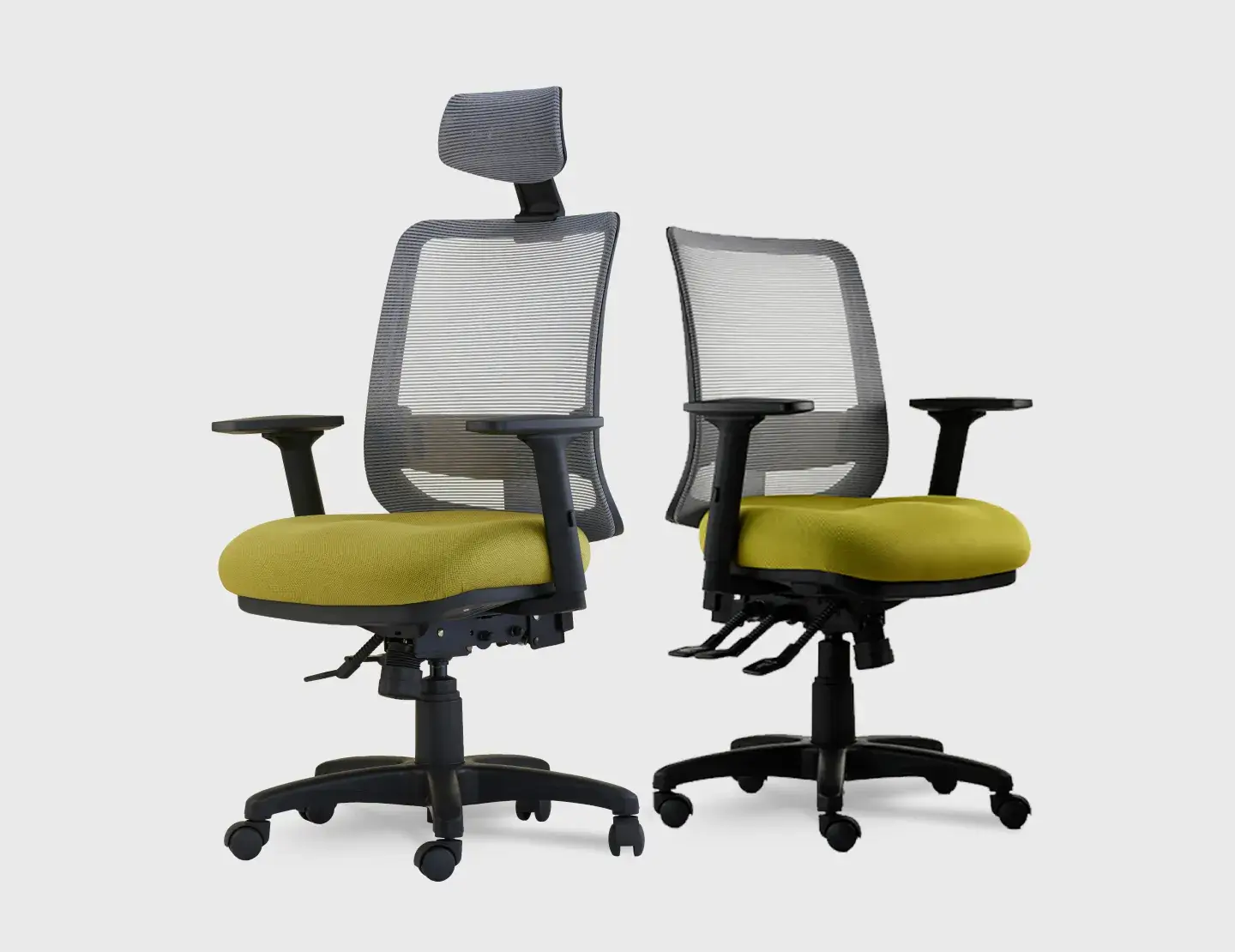
Saga doesn’t look like a flex, but it’s a sleeper hit. It’s affordable, well cushioned, and has a smooth tilt mechanism perfect for shifting between sitting upright at work and reclining for a movie. While it doesn’t scream cinema experience, it has everything a good movie night chair needs: support, comfort, and easy adjustability.
In practice the tilt sells it. One smooth motion takes you from email posture to movie posture with nothing to adjust.
The honest read on Saga: it does nothing best and everything well. If any single feature above made you nod hard, buy the specialist instead.
All five, side by side:
| Chair | Best for | Recline style | The honest trade-off | Price (online store) |
| Zenit | Premium reclined binge-watching | Easy-glide backrest | Bulky; not a chair you drag around | RM 2,340 |
| Aire | Minimal setups that move around | Body-weight recline, no levers | Minimalist arms; no elbow-propping | RM 970 |
| Boba | Cross-legged and curled-up sitting | Self-weight balance tilt | Firmer recline for lighter users | Enquire (not sold online) |
| Spinelly | Desk-first viewers who fidget | Flex system; tolerates leisure, not a lounger | Flex tapers past 100 degrees | RM 1,500 |
| Saga | Budget all-rounder | Smooth tilt mechanism | Does nothing best, everything well | RM 760 |
How to Match a Chair to Your Viewing Style
Here are some tips to match the way you actually watch to the feature that carries that posture, then shortlist by model. Three viewer profiles cover almost everyone.
The Reclined Binge-Watcher
You hit play and disappear for three episodes. Recline quality is your whole decision. You want tilt tension you can loosen, a backrest that follows you down, and real neck support.
Zenit’s easy-glide backrest fits here; Boba’s self-weight tilt runs a close second.
The Cross-Legged Casual
You sit like nobody’s watching: one leg up, then both, then sideways. Seat real estate decides your comfort, so prioritise width and depth adjustment over recline range.
Boba’s 50 mm depth travel is built for exactly this; Saga’s cushioning makes the folded-leg hours gentler.
The Work-Then-Watch Switcher
Your chair clocks out at six and starts a second shift. You need fast transitions: no levers to hunt for, posture support that relaxes without disappearing.
Aire’s body-weight recline switches modes the moment you do, and Spinelly flexes between focus and film without a single adjustment.
The Chair That Works Hard and Chills Harder
Here’s the decision in one question: how far do you actually lean back when the opening credits roll?
Barely moving? Spinelly or Saga will serve both halves of your day. Full recline with feet up? Zenit or Boba. Constantly rearranging your corner? Aire.
Pick by your viewing posture, not the product photo. Then line up your shortlist side by side and let the spec sheets settle it.
Solo Movie Night Chair FAQs
Can I use an ergonomic office chair for watching movies?
Yes, if it reclines under body weight and lets you vary posture. An office chair with adjustable tilt tension, a deep seat, and breathable mesh handles a double feature as well as a workday. Fixed-back task chairs are the ones that fight you by the second act.
What recline angle is best for watching TV at a desk?
Around 100 to 110 degrees works for most desk viewing. That’s enough to relax your back muscles while the screen stays comfortably in view. Past 110 degrees your neck starts craning forward to compensate, which trades back comfort for neck strain over a full film.
Is it bad to sit cross-legged in an office chair?
Not inherently, but the seat has to allow it. Cross-legged sitting on a narrow or short seat tips your pelvis and rounds the lower back. On a wide, depth-adjustable seat, alternating positions is healthier than holding one posture for two hours straight.
What’s the difference between a gaming chair and an ergonomic chair for entertainment?
A gaming chair sells the cinema look: bucket seat, fixed side bolsters, deep recline. An ergonomic chair sells adjustability: tilt tension, seat depth, lumbar height. For long viewing, adjustability wins, because relaxed bodies shift positions constantly and bolsters block the shifting.
How long can you comfortably sit in an ergonomic chair?
A well-fitted ergonomic chair supports eight to ten hours a day, but only with movement built in. The limit isn’t the chair; it’s the stillness. Shift posture every 30 to 45 minutes and stand during the credits, and a marathon day stays comfortable to the end.
MORE BLOGS
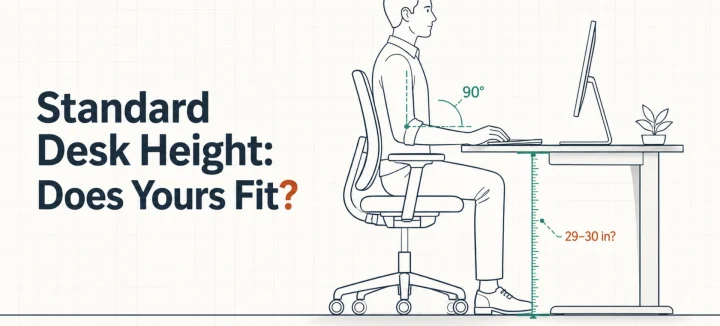
Standard Desk Height: Is 29 Inches Right for Your Body?
Standard desk height is 29 to 30 inches (73 to 76 cm). That number fits far fewer people than you’d think. A desktop that tall matches the seated elbow height of someone around 6’2″. The average American man stands 5’9″, and the average woman 5’3.5″. So this guide does two jobs. It shows you how […]
Read More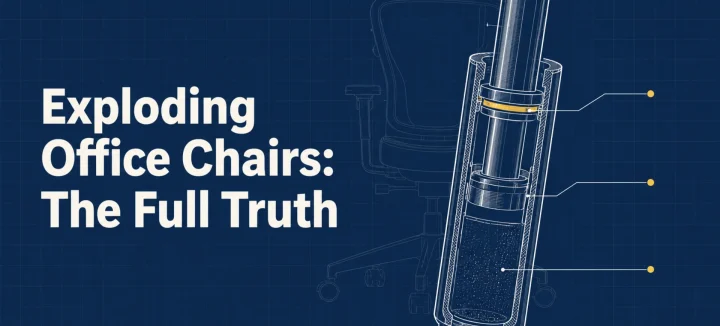
Exploding Office Chairs: The Full Truth From a Chair Maker
The exploding office chair story resurfaces every few years, same grainy photos attached. So can a chair really burst? A handful have, and every documented case involved an uncertified gas cylinder (the pressurized tube that raises and lowers your seat). Chairs built to recognized safety standards fail differently: seals leak, the seat sinks, nothing bursts. […]
Read More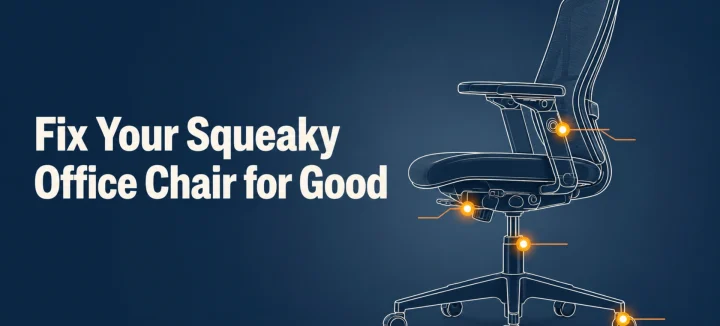
How to Fix a Squeaky Office Chair by Sound and Location
A squeaky office chair makes four different noises, and each one points to a different part. To silence it for good, find the source first: the tilt mechanism, gas cylinder, casters, or armrests. Then tighten what’s loose and lubricate with the right product for that joint. This guide matches each sound to its fix, and […]
Read More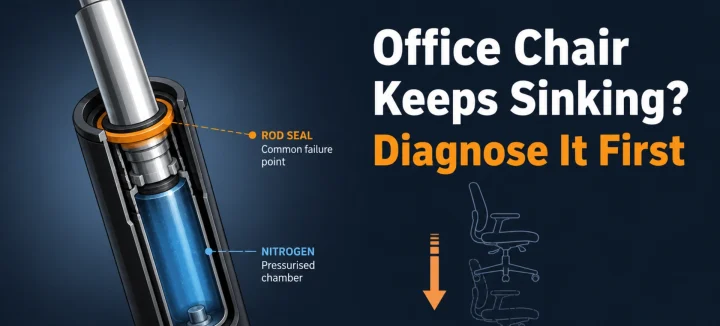
Office Chair Keeps Sinking? Diagnose and Fix It for Good
An office chair that keeps sinking or won’t stay up has one main cause: the gas cylinder under the seat is losing pressure. Worn seals let the nitrogen escape, so the piston stops holding your weight. A hose clamp or PVC pipe locks the height today; a new cylinder fixes it properly in 15 minutes. […]
Read More