Correct Sitting Posture: Step-by-Step Office Chair Guide
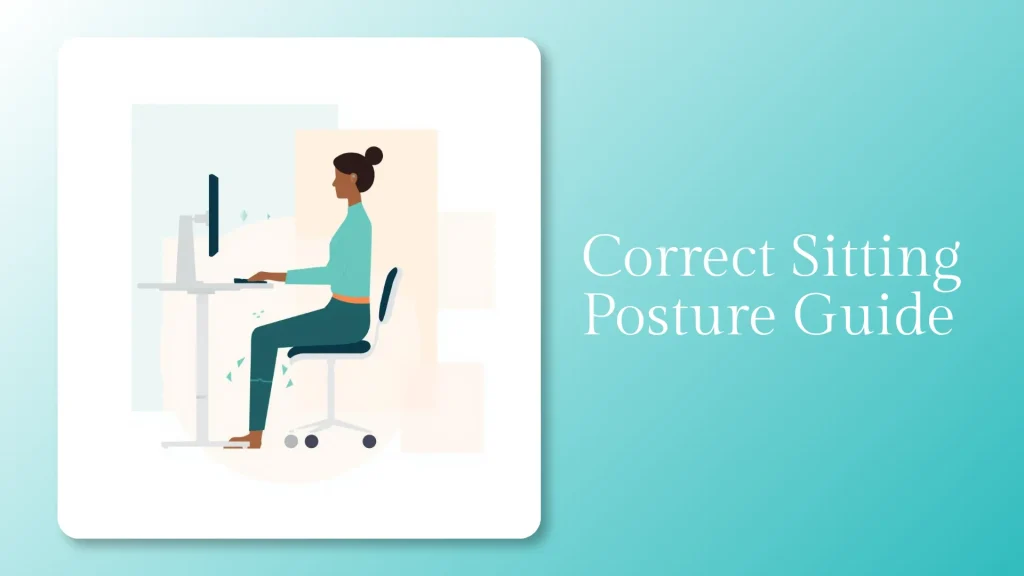
Correct sitting posture breaks down within 20 minutes for most people. That’s the finding from Cornell University’s ergonomics research.
Your body starts slouching before you notice it. And by mid-afternoon, most desk workers are sitting in a shape their spine was never designed to hold.
So what does correct posture look like? It starts at your feet, not your back.
Feet flat on the floor. Knees roughly level with hips. Spine following its natural curves with lumbar support. Shoulders relaxed and stacked over hips. Head balanced directly above your neck.
That alignment distributes body weight evenly. It also keeps spinal disc pressure at its lowest.
This guide gives you a five-point alignment sequence you can do in under 60 seconds. You’ll learn how your chair setup helps or hurts that alignment, and why sitting still isn’t the goal.
The physical benefits of ergonomics go well past posture, covering circulation, lung capacity, and cognitive sharpness.
Key Takeaways
- The Five-Point Posture Reset aligns your body from the ground up: feet, hips, spine, shoulders, then head.
- The 90-90-90 rule works as a calibration starting point. But rigid adherence creates its own stiffness.
- Dynamic sitting protects your spine more than holding any single “perfect” pose for hours.
- Your chair’s lumbar support, seat depth, and tilt mechanism directly shape your ability to sit well.
- A 2025 scoping review of 22 studies found that sitting behaviour may matter more than posture alone for back pain, according to Alaca et al.
The Five-Point Posture Reset: How to Sit Correctly From the Ground Up
Most posture guides throw tips at you in random order. That approach misses something fundamental.
Your body is a kinetic chain. If your feet aren’t positioned right, your hips compensate.
If your hips tilt, your spine follows. And if your spine curves, your shoulders and head drift forward.
Merryfair’s Five-Point Posture Reset follows that chain from bottom to top. Work through these five checkpoints in order.
Correct sitting posture is built from the floor up, not the shoulders down.
Where should your feet be when sitting at a desk?
Your feet should rest flat on the floor with weight spread evenly across both soles. This grounds your lower body and prevents your pelvis from tilting.
Knees should bend at roughly 90 degrees. Anywhere between 90 and 110 degrees works for most people.
If your feet dangle, your thighs bear extra pressure. Your lower back rounds to compensate.
A footrest solves this instantly. Flat, tilted, and rocker footrests each suit a different sitting problem.
And if you’ve been crossing your legs, that habit shifts load unevenly and restricts blood flow.
One thing nobody tells you: kick your shoes off at home. You’ll feel floor contact more clearly, and that feedback helps you catch lopsided positions early.
How do you find the correct hip and pelvis position?
A neutral pelvis is the foundation of correct sitting posture. Sit all the way back so your buttocks press against the backrest.
Place your hands under your sit bones. These are the bony points you feel on a hard surface.
Rock your pelvis forward, then backward. The midpoint between those two extremes is neutral.
Your hips should sit level with or slightly above your knees. When hips drop below knee level, your pelvis tilts backward.
That tilt flattens the natural curve in your lower back. It concentrates pressure on your lumbar discs.
For sciatic pain specifically, backward pelvic tilt also loads the sit bones, making seat depth more critical than lumbar support.
Research in MDPI’s Biomechanics journal confirms this. Prolonged slumped sitting significantly increases lumbar muscle stiffness.
A neutral pelvis isn’t a position you force. It’s the resting point between too far forward and too far back.
What most guides skip: pelvis position controls everything above it. Get this wrong, and no amount of shoulder-pulling fixes the effects of poor sitting posture on your body.
What does a neutral spine look like when sitting?
A neutral spine maintains three natural curves. A slight inward curve at the lower back. A gentle outward curve at the mid-back. And a slight inward curve at the neck.
You don’t need to force your back ramrod-straight. That rigid posture actually increases muscle fatigue.
Your lumbar region needs support to hold its curve. Without it, gravity pulls your lower back into a rounded “C” shape within minutes.
Position the lumbar pad so it presses into the small of your back. It should sit just above your belt line.
Sit tall without tensing. Think of a string pulling the crown of your head upward.
How should your shoulders sit while working?
Your shoulders should rest down and slightly back. Arms hang naturally at your sides.
Elbows stay close to your body, bent at 90 to 100 degrees. Forearms rest parallel to the floor.
The moment your shoulders creep toward your ears, tension builds in your trapezius muscles. Hours of that creates the stiffness most desk workers feel by afternoon.
The neck pain you blame on deadlines is usually shoulders that sat at your earlobes since 9 a.m.
Keep your keyboard and mouse close. Every centimetre of forward reach pulls your shoulders out of alignment.
Where should your head and monitor be positioned?
Your head should balance directly over your spine. It shouldn’t jut forward.
Forward head posture adds roughly 4.5 kg of extra load to your neck. That’s for every 2.5 cm your head shifts forward, per OSHA’s workstation guidelines.
Position your monitor so the top third of the screen sits at eye level. Keep it about an arm’s length away.
If you use a laptop, a stand is worth the investment. Looking down at a screen for eight hours is a fast path to chronic neck strain.
How to Adjust Your Office Chair for Correct Posture
Knowing the right posture means nothing if your chair fights you. Here’s how to set up your chair so it works with your body.
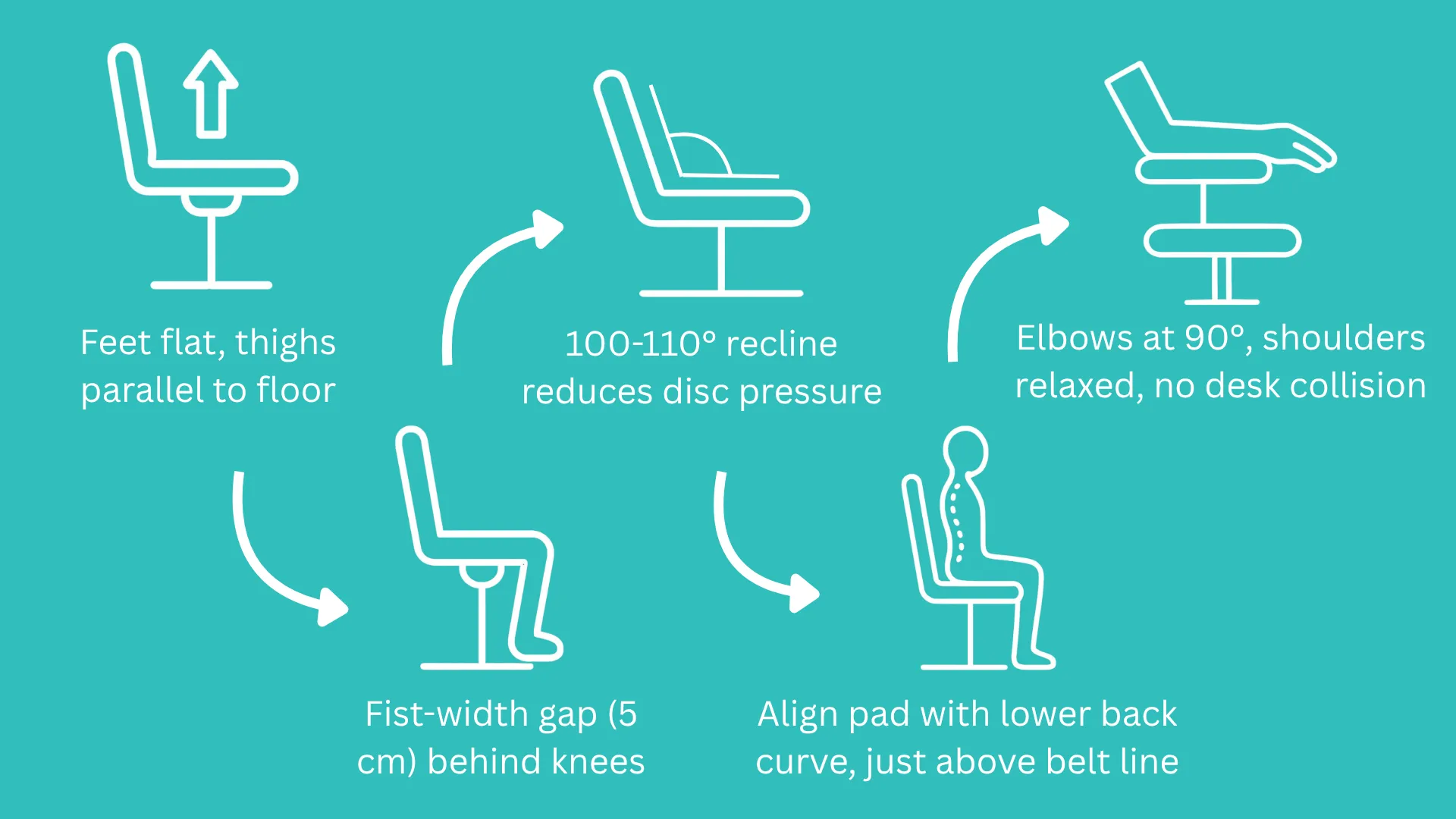
Seat height: Start here. Adjust until your feet rest flat and your thighs run parallel to the floor.
If you can’t get both feet flat and elbows at desk height, prioritise elbow height. Add a footrest for your feet. Arms matter more in this tradeoff.
Seat depth: Check the gap between the seat’s front edge and the back of your knees. You should fit a clenched fist (about 5 cm) in that space.
Too deep, and the edge presses into your knees. Too shallow, and your thighs lose support.
If you’re comparing chairs, seat depth adjustment is one of the most underrated features. Learn more in our guide on how to choose the right ergonomic chair.
Lumbar support: Position the lumbar pad so it aligns with your lower back’s inward curve. Too high and it pushes your mid-back forward. Too low and it misses entirely.
Adjustable lumbar that moves in height and depth gives you precision fixed supports can’t. You can learn which features matter in our breakdown of ergonomic chair features that affect posture.
Backrest angle: A slight recline of 100 to 110 degrees reduces disc pressure. That’s compared to sitting bolt upright at 90 degrees.
Lock the backrest for focused work. Unlock it for reclining during calls or reading.
Armrests: Adjust height so forearms rest without lifting your shoulders. If armrests bump into your desk, lower or remove them.
Armrests that push you away from your work surface cause more harm than they solve.
Why Sitting Still Is the Real Posture Problem
Here’s where things get interesting. You can nail every point of the Five-Point Reset and still feel stiff by 3 p.m.
The reason? Static posture, even “correct” posture, isn’t what your body needs for eight hours.
What is dynamic sitting and why does it matter?
Dynamic sitting means regularly shifting between postures throughout your day. Lean forward to type. Recline to think. Stand up to stretch.
Some would even recommend a sit-stand routine, where one alternate between sitting on ergonomic chair and using standing desk over a long period.
Our comparison of standing desks and ergonomic chairs covers when each approach works best.
A 2025 scoping review covering 7,814 participants found something striking. Sitting behaviour, including shift frequency, showed a stronger link to back pain than posture alone. That study was published in the Journal of Back and Musculoskeletal Rehabilitation.
The best sitting posture is the one you just changed out of.
This is where your chair’s tilt mechanism earns its keep. A synchro tilt lets seat and backrest move together at a coordinated ratio.
That micro-movement keeps discs hydrated and muscles cycling. Read our detailed breakdown of how tilt mechanisms support dynamic sitting.
How often should you move when sitting all day?
Every 30 minutes. Stand up. Walk for 30 seconds.
Stretch your hip flexors. Roll your shoulders. Or simply shift your sitting position.
Cornell’s ergonomics team recommends 20 seconds of movement every 20 minutes. You don’t need a full exercise routine.
A 30-second break interrupts the muscle stiffness cycle. Set a timer until the habit becomes automatic.
But the goal isn’t willpower alone. It’s reducing friction. And if you’ve wondered why posture correctors don’t replace a supportive chair, the research points toward active habits and proper seating over passive devices.
Can you fix years of bad posture at your desk?
Yes. But not overnight. Your body adapted to poor posture over months and years.
Start by performing the Five-Point Reset three times daily. Morning, midday, and after lunch. Each reset takes under 60 seconds.
Within two to four weeks, the correct position starts feeling normal. It stops feeling forced.
Posture isn’t a position you hold. It’s a skill you practice until your body prefers it.
Pair the reset with strengthening exercises. Wall angels, shoulder blade squeezes, and glute bridges rebuild weakened postural muscles.
This content is for informational purposes only. If you experience persistent pain, consult a qualified healthcare professional.
Your Chair Is Either Helping or Hurting Your Posture
Correct sitting posture isn’t a position you lock into at 9 a.m. It’s a dynamic practice of aligning, adjusting, and moving all day.
The Five-Point Posture Reset gives you a repeatable 60-second process. Use it whenever you catch yourself slipping.
But here’s what makes all five points easier or harder: your chair. Adjustable lumbar, proper seat depth, and a responsive tilt do the structural work.
Your muscles can then focus on holding alignment. They stop fighting the furniture.
If your chair can’t adjust to your body, your body adjusts to your chair. That adjustment is called pain.
If your current chair lacks these features, it’s worth exploring what a proper ergonomic chair can do. Explore Merryfair’s full ergonomic collection to find a seat that works with your posture.
Frequently Asked Questions
What is the 90-90-90 rule for sitting?
The 90-90-90 rule suggests keeping 90-degree angles at your hips, knees, and elbows while seated. It works as a useful baseline for setting chair height and desk position. But modern ergonomics treats it as a starting calibration, not a rigid rule. Holding exact 90-degree angles for hours creates stiffness. Use it to set up, then allow natural movement.
What is the best sitting position for lower back pain?
Maintain a neutral pelvis with your lumbar curve gently supported. A backrest recline of 100 to 110 degrees reduces disc pressure more than sitting bolt upright. Keep both feet grounded and shift positions every 20 to 30 minutes. If pain persists, consult a physiotherapist before changing your setup.
Does an ergonomic chair actually improve posture?
An ergonomic chair with adjustable lumbar, seat depth, and tilt makes correct posture far easier to maintain. Research shows these features reduce muscle strain in the neck, shoulders, and back. But the chair alone isn’t enough. You still need to adjust it properly and practise active postural habits.
How long does it take to correct sitting posture?
Most people notice improved comfort within one to two weeks of consistent practice. Building lasting habits typically takes four to eight weeks of daily resets. The timeline depends on how long you’ve had poor posture. Pairing seated corrections with core and upper back exercises speeds the process.
MORE BLOGS
Exploding Office Chairs: The Full Truth From a Chair Maker
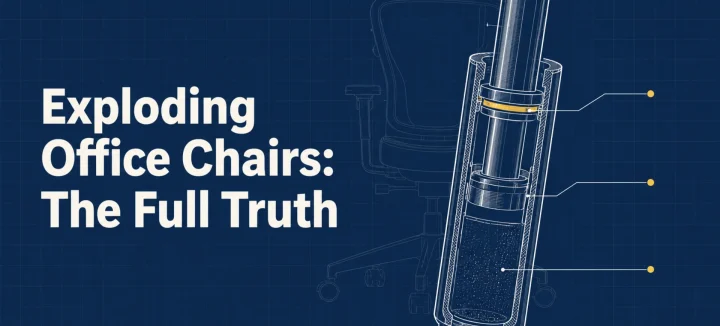
The exploding office chair story resurfaces every few years, same grainy photos attached. So can a chair really burst? A handful have, and every documented case involved an uncertified gas cylinder (the pressurized tube that raises and lowers your seat). Chairs built to recognized safety standards fail differently: seals leak, the seat sinks, nothing bursts. […]
Read More
How to Fix a Squeaky Office Chair by Sound and Location
A squeaky office chair makes four different noises, and each one points to a different part. To silence it for good, find the source first: the tilt mechanism, gas cylinder, casters, or armrests. Then tighten what’s loose and lubricate with the right product for that joint. This guide matches each sound to its fix, and […]
Read More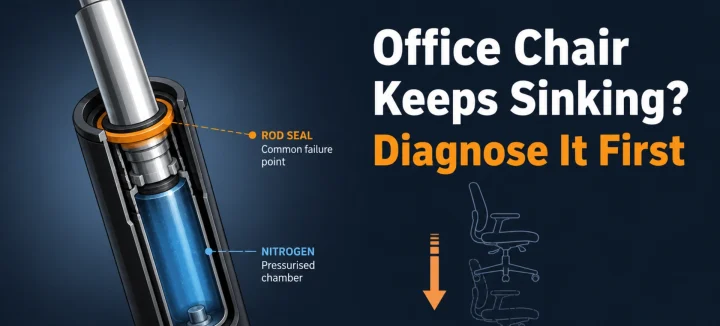
Office Chair Keeps Sinking? Diagnose and Fix It for Good
An office chair keeps sinking for one main reason: the gas cylinder under the seat is losing pressure. Worn seals let the nitrogen escape, so the piston stops holding your weight. A hose clamp or PVC pipe locks the height today; a new cylinder fixes it properly in 15 minutes. Diagnose first, and you’ll only […]
Read More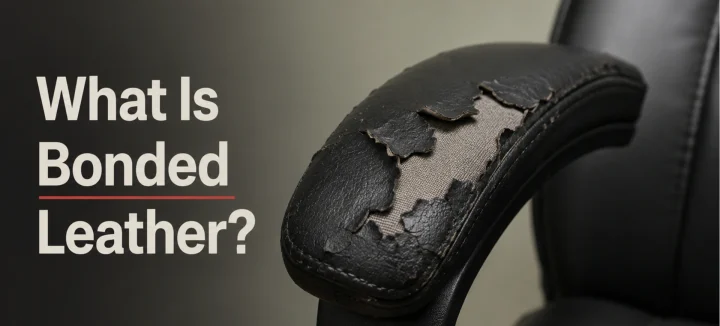
What Is Bonded Leather and Why It Peels in Office Chairs
Bonded leather is mostly plastic. The real hide inside usually makes up just 10 to 20 percent of it. The rest is polyurethane binder pressed onto a fabric or paper backing. It looks like leather on day one. By year three, it’s flaking onto your trousers. This guide covers what it’s made of, why office […]
Read More