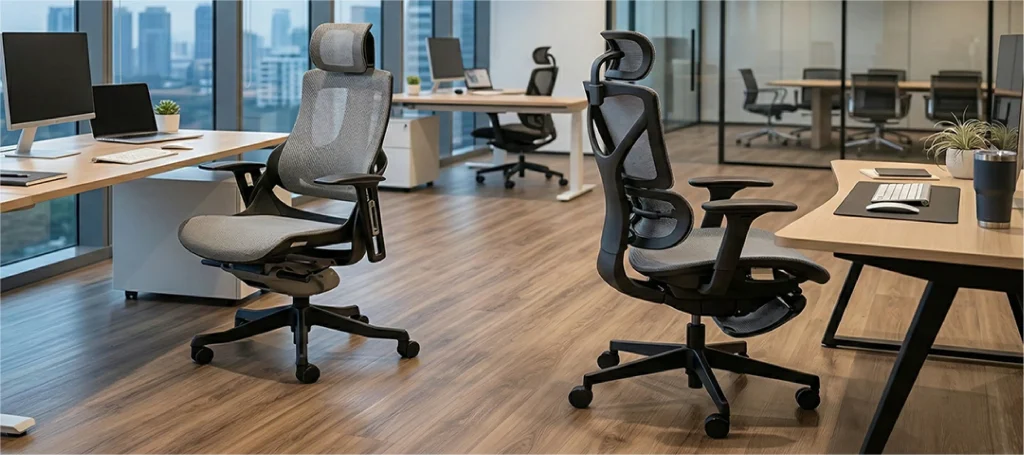
How Ergonomic Chairs Prevent Back Pain
18th March, 2026
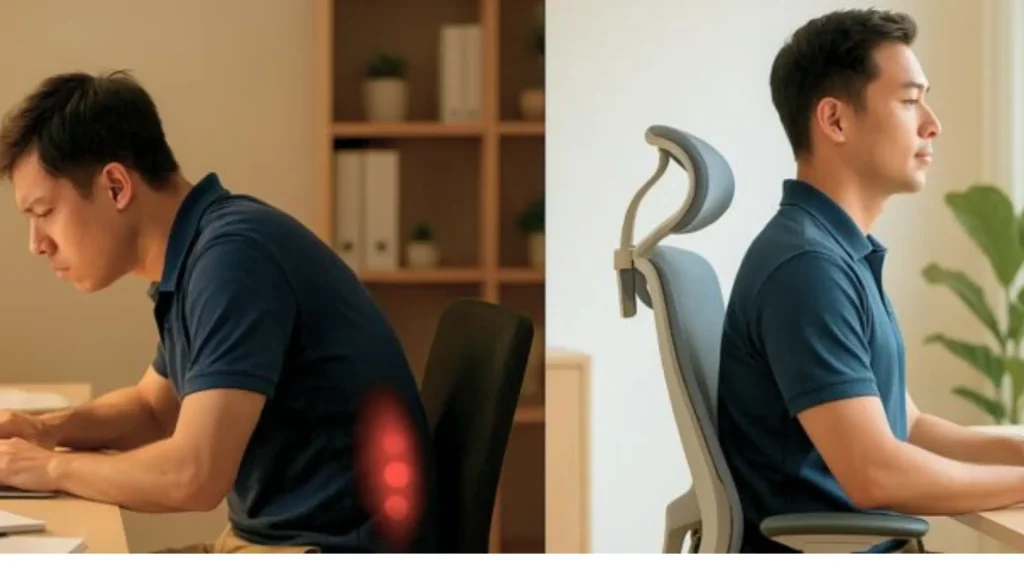
An ergonomic chair for back pain is one of the most direct interventions for Malaysian desk workers, 70% of whom report musculoskeletal discomfort in the neck, shoulders, or lower back. It works by supporting the lumbar curve and reducing disc pressure that builds over hours of sitting. This guide covers the evidence, the features that matter, the correct setup, and what DOSH Malaysia requires of workplace seating.
Why Sitting All Day Damages Your Back
Sitting feels passive. Your spine disagrees. Sustained static posture loads the intervertebral discs, reduces blood flow to spinal tissue, and fatigues the muscles holding your lower back in position.
Over hours, that load becomes the stiffness most desk workers recognise by mid-afternoon. Sound familiar?
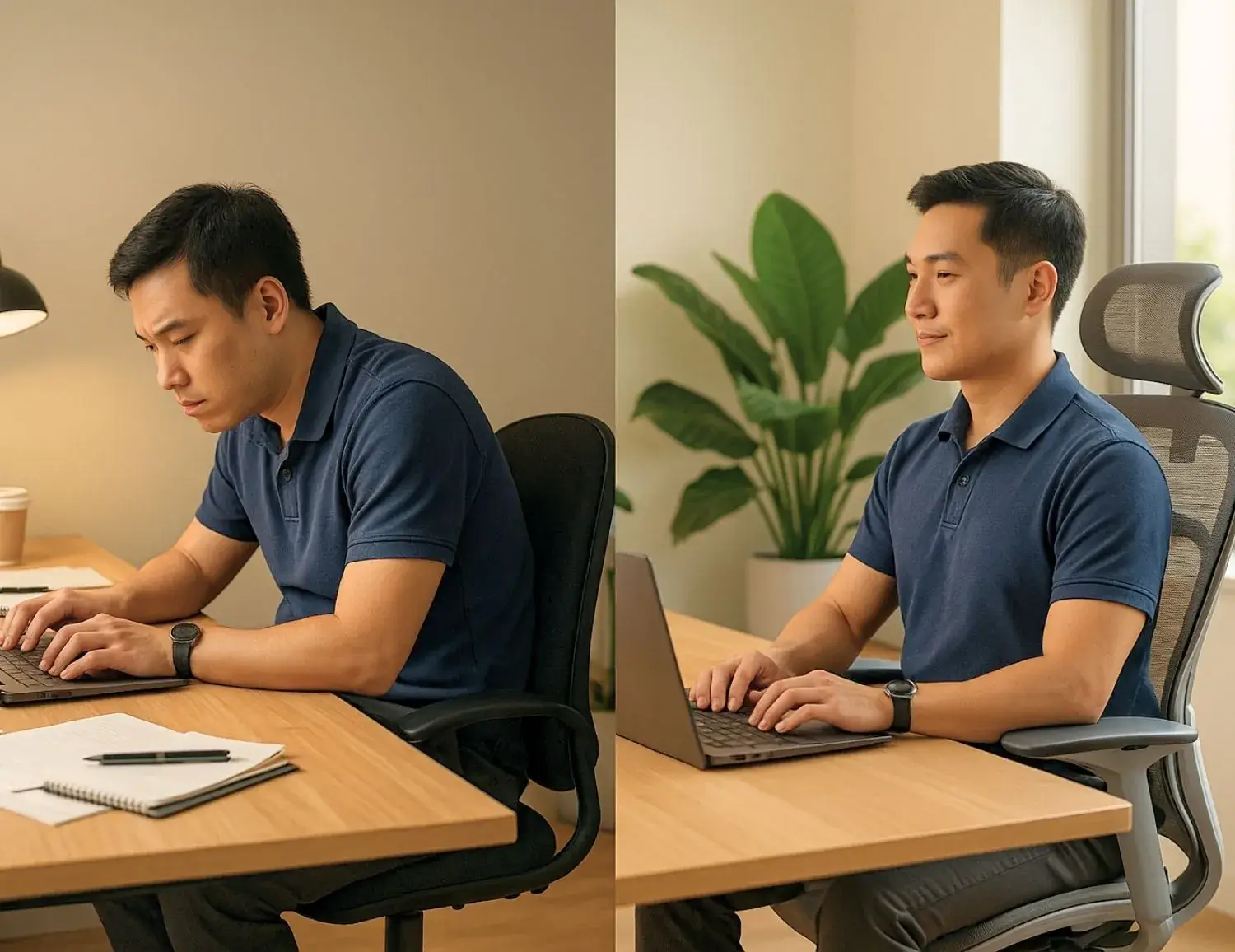
What does prolonged sitting actually do to your spine?
Prolonged sitting increases intradiscal pressure in the lumbar region above the levels produced by standing. Nachemson’s research established this decades ago, and it’s been replicated consistently since.
Over a working day, this pressure fatigues spinal muscles, compresses disc tissue, and slows the nutrient exchange that keeps discs healthy.
Spinal discs have no direct blood supply. They absorb nutrients and expel waste through the pressure changes that come with movement.
Sit still for long enough, and that exchange slows. That’s why a short walk after lunch changes how your back feels for the rest of the afternoon.
How does a poorly designed chair make back pain worse?
A chair without lumbar support forces the lower spine into sustained flexion. Instead of being distributed across the disc surface, the load shifts to the posterior elements.
Concentrated there over hours, that’s exactly how disc injuries develop in desk workers.
Wrong-height armrests add a secondary problem. Set too high, they force sustained shoulder elevation, loading the trapezius for the entire workday.
Set too low, the weight of the arms goes unsupported entirely.
Does an Ergonomic Chair Actually Help with Back Pain?
Yes, for most desk workers. A correctly adjusted ergonomic chair reduces the mechanical strain that builds over a working day by supporting the lumbar curve and enabling postural variation.
It won’t treat injury or diagnosed conditions. But for back pain that accumulates through a workday, the evidence is consistent.
What does the research say about ergonomic chairs and back pain?
A 2022 systematic review on PubMed examined ergonomic chair interventions for office workers. It found consistent associations between adjustable chair design and reduced low back discomfort.
The strongest effects appeared when adjustment was combined with user education, not when chairs were used at factory defaults.
The WHO reports that 619 million people globally live with low back pain. The Lancet Global Burden of Disease study projects that number reaching 843 million by 2050.
Sedentary work is among the recognised contributing factors. A good chair won’t solve a global health crisis, but it addresses one of the most changeable individual-level contributors to occupational back pain.
What can an ergonomic chair fix, and what can’t it?
An ergonomic chair reduces the mechanical load on the spine during sitting. It doesn’t reverse disc degeneration, treat acute injury, or compensate for never moving.
For most desk workers, that’s still a meaningful daily difference. Think of it as harm reduction, not treatment.
For office workers without underlying pathology, it reduces the daily accumulation of spinal strain. For those with diagnosed conditions, it’s one component of a broader management plan.
Back pain with neurological symptoms (tingling, shooting pain down the legs, weakness in the feet) is a clinical matter. No chair addresses that.
The Chair Features That Actually Reduce Back Pain
Not every chair labelled “ergonomic” earns it. There are five mechanical features that directly affect spinal loading during seated work.
Getting them right for your body is what separates a chair that helps from one that costs a lot and delivers little. So where do you start?
Which type of lumbar support is best for back pain?
Height-adjustable lumbar support outperforms fixed because the lumbar apex varies between people. Support at the wrong spinal level doesn’t provide neutral backing.
Dynamic lumbar systems move with the sitter during recline, maintaining consistent contact as posture shifts throughout the day.
For long-hour office work, dynamic is the most useful of the three. Fixed support is better than nothing.
But it works for one body size in one sitting position, and that’s rarely what an 8-hour workday looks like.
Why does seat depth matter for lower back pain?
Seat depth controls whether your back can reach the lumbar support at all. If the seat is too deep, the front edge creates pressure behind the knees.
You compensate by sitting forward, away from the backrest. At that point the lumbar support is irrelevant.
Your back isn’t touching it.
The correct depth leaves a two-to-three finger gap between the seat’s front edge and the back of the knee. Most adjustable chairs have a sliding seat mechanism for this.
Most people never touch it. (This is where most adjustment guides stop, and where most back pain problems actually start.)
Does reclining your chair help with back pain?
Yes. A reclined sitting angle of 110 to 135 degrees reduces intradiscal pressure compared to an upright 90-degree posture.
Multiple studies confirm this. A chair with controlled recline and tension calibrated to body weight makes this happen naturally throughout the day.
Chairs locked upright eliminate this benefit entirely. The useful specification is a chair that supports natural movement between slight recline and upright throughout the day.
How do armrests affect back and shoulder pain at a desk?
Armrests set too high cause sustained shoulder elevation, loading the trapezius continuously. Set too low, the weight of the arms goes unsupported and the shoulder girdle fatigues.
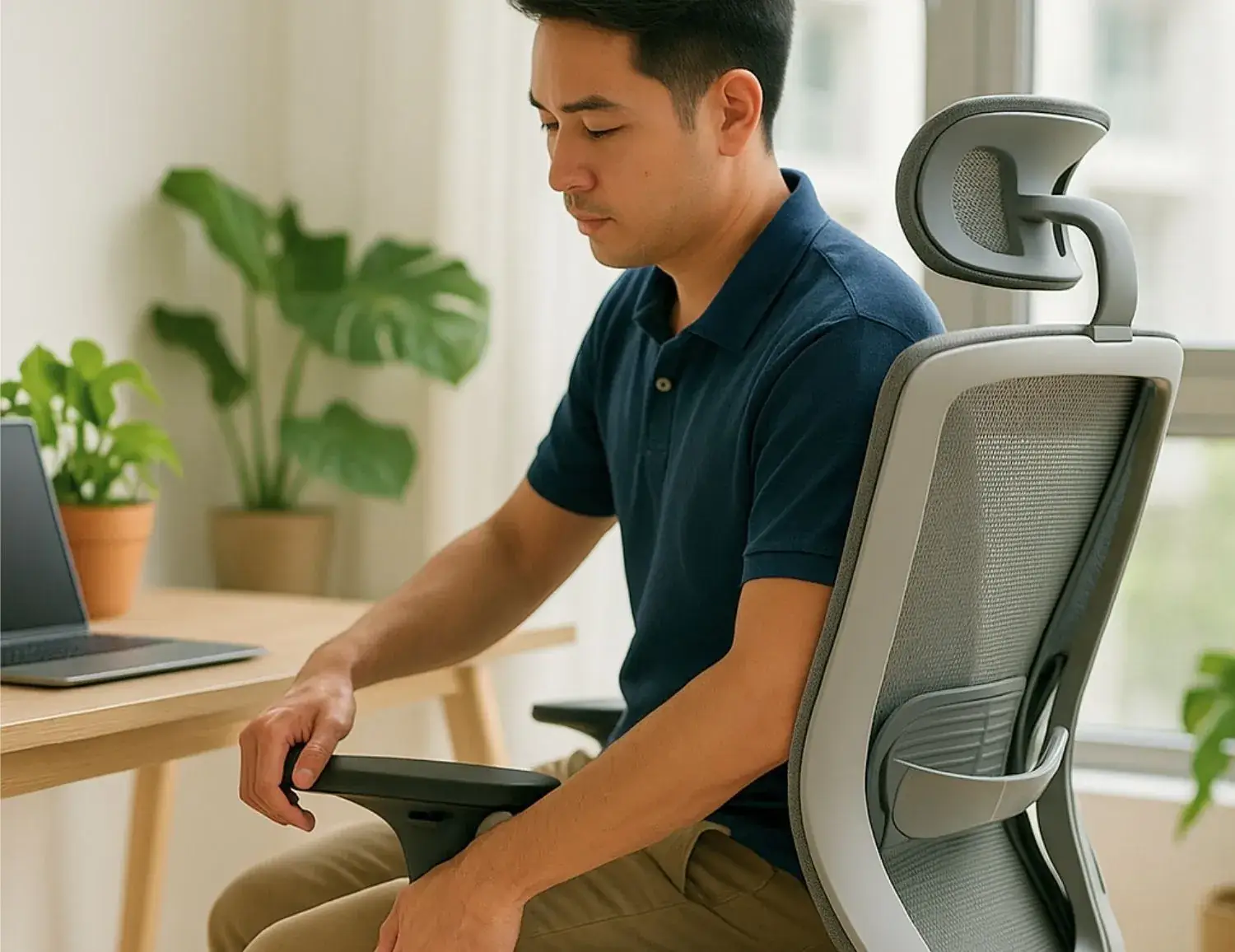
Correct height lets the shoulders sit in a neutral, un-raised position with the elbows at roughly 90 degrees. Height-adjustable armrests are the minimum useful specification.
Pivot adjustment (allowing the armrests to angle inward toward the keyboard) reduces shoulder protraction during sustained typing.
How does seat height affect lower back pain?
Seat height determines hip angle. The target is 90 to 100 degrees at the hip, with feet flat on the floor and thighs roughly parallel to the ground.
When the seat is too low, the hip flexes past 90 degrees, driving posterior pelvic tilt. That eliminates the lumbar curve regardless of how good the support above it is.
If your desk height creates a conflict between correct seat height and comfortable foot placement, a footrest is the right solution. Don’t lower the seat to compensate.
How to Adjust Your Chair for Lower Back Pain
Most people adjust seat height and leave everything else at the factory default. The full setup takes under five minutes.
Done correctly, it changes what the chair actually delivers. Work through these in order: each adjustment creates the reference point for the next one.
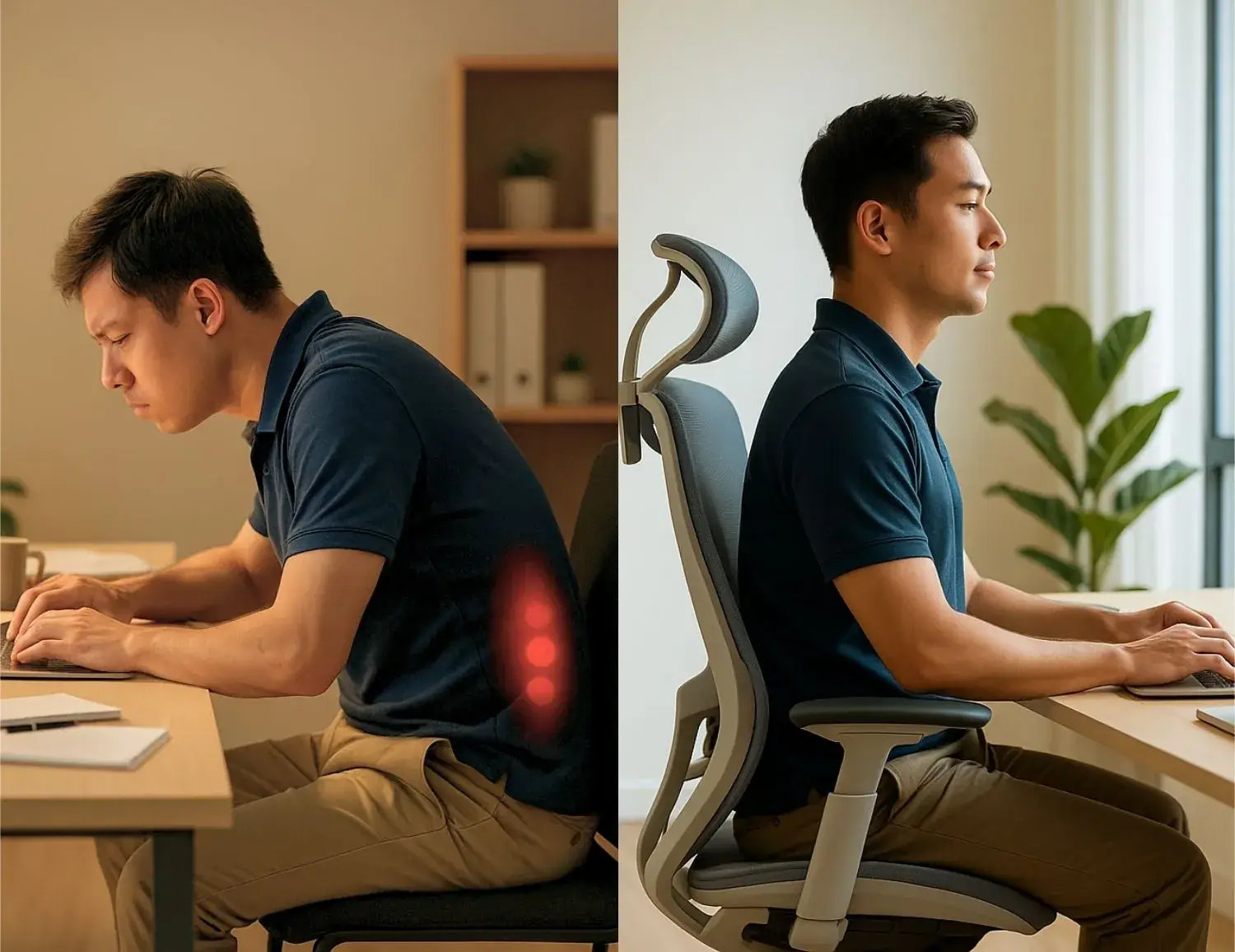
- Seat height first. Sit with your feet flat on the floor. Adjust until your thighs are roughly parallel to the ground and your knees sit at approximately 90 degrees. If your feet don’t reach the floor at the correct height, use a footrest rather than lowering the seat to compensate.
- Seat depth second. Move the sliding seat until you have a two-to-three finger gap between the front edge and the back of your knees. Your lower back should be able to touch the lumbar support without deliberately leaning back.
- Lumbar support height third. Adjust until it aligns with the inward curve of your lower back, around waist level or just below. It should make gentle contact without pushing you forward.
- Armrest height fourth. Drop your shoulders completely. Raise the armrests until they meet your forearms with your elbows at roughly 90 degrees. Your shoulders should stay relaxed and level.
- Recline tension last. Set the tension so leaning back requires light, consistent effort. You want natural movement between upright and a slight recline throughout the day.
After adjusting the chair, check your monitor. The top of the screen should sit at or just below eye level.
No chair adjustment compensates for a screen that forces your neck forward or upward.
If you’re not sure whether your chair can accommodate these adjustments for your body dimensions, how to match a chair to your body using a three-point measurement test covers the evaluation process in full.
Malaysia’s Workplace Back Pain Problem
Back pain isn’t just a global statistic for Malaysian workers. There’s local prevalence data, specific regulatory guidance from DOSH, and a clear intervention target.
The seating dimension of this problem is well-evidenced and more directly addressable than most other contributing factors.
How common is back pain among Malaysian office workers?
A 2023 systematic review found low back pain prevalence among Malaysian workers ranging from 12.4% to 84.6%, depending on the occupational group studied.
A 2018 study from Universiti Putra Malaysia found that nearly 70% of Malaysian office workers reported musculoskeletal pain in the neck, shoulders, or lower back.
Those ranges are wide because methodology and occupational group vary across studies. But desk-based workers consistently appear as a high-prevalence group.
And seating design is one of the few contributing factors changeable at the individual level, without structural workplace reform.
What do Malaysia’s workplace safety guidelines say about ergonomic seating?
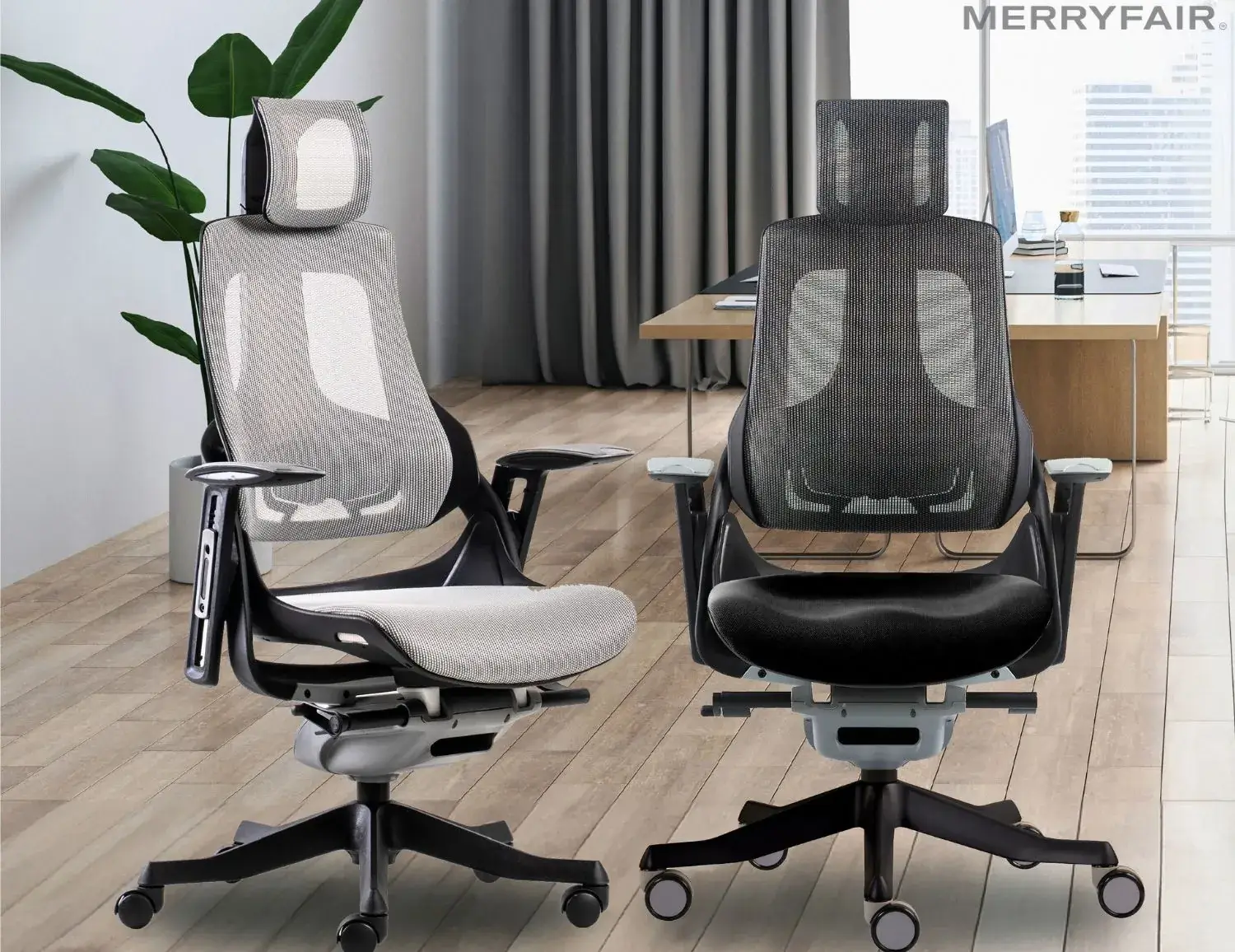
The Department of Occupational Safety and Health Malaysia published the Seating at Work guideline in 2024. It states: “Seating design is crucial in reducing the risk of musculoskeletal disorders. Chairs should provide adequate lumbar support, allow adjustability, and promote comfort during prolonged sitting.”
Lumbar support and adjustability aren’t optional specifications under this framework. Employers in Malaysia have a regulatory basis for requiring ergonomic seating, not just a welfare one.
When the Chair Isn’t Enough
The chair reduces the quality of mechanical strain during sitting. It doesn’t reduce how long you sit.
That distinction matters. Movement and workstation setup are two additional levers, and none of the three works as well in isolation as all three together.
Why does movement matter even with a good ergonomic chair?
Occupational health guidance consistently supports breaking sitting time every 20 to 30 minutes with at least two minutes of standing or light movement.
A standing desk isn’t required. Standing briefly, walking to a colleague, or doing a short lower back stretch is enough to reset the spinal load.
The Mayo Clinic’s guidance on prolonged sitting outlines the associated health risks in accessible terms. Read it alongside this guide if you want the broader picture.
If your chair material is creating heat or discomfort in Malaysia’s climate, which office chair material handles heat and humidity best in Malaysian conditions covers the tradeoffs from a practical standpoint.
When should back pain prompt a professional assessment?
If your back pain is persistent, doesn’t improve after correcting your chair setup, or comes with radiating pain, numbness, or weakness in the legs, see a physiotherapist.
A chair addresses ergonomic risk factors. It doesn’t treat injury.
And if you’ve been relying on what the evidence actually shows about posture correctors to manage discomfort alongside a chair, it’s worth reading that before treating them as a long-term solution.
The Setup Matters as Much as the Chair
The strongest ergonomic outcomes don’t come from the chair alone. They come from the chair, correctly adjusted, inside a workstation where the monitor and keyboard don’t undo the chair’s work.
Most people buy the chair and skip the setup. That’s where the results are lost.
A correctly adjusted mid-range chair outperforms an expensive one set up wrong. Every time.
If you’re working through what to buy, a comparison of ergonomic chairs at every price point in Malaysia covers what’s available and what’s worth it.
Buy for adjustability. Adjust it correctly. Move every 30 minutes.
Those three things, done consistently, matter more for back pain prevention than any specification on a product page.
This content is for informational purposes only. For persistent, acute, or radiating back pain, consult a qualified physiotherapist or medical professional.
Frequently Asked Questions
Does an ergonomic chair really help with back pain?
For posture-related discomfort from sustained desk work, yes. A well-designed and correctly adjusted ergonomic chair reduces the daily mechanical strain on the lower spine by supporting the lumbar curve and enabling postural shifts. It won’t treat injury or structural conditions, but for the back pain that builds through a working day, the effect is consistent with occupational health research.
What features should I look for in a chair for lower back pain?
The features with the clearest effect on lower back strain are height-adjustable lumbar support, seat depth adjustment, and controlled recline. Adjustable armrests reduce secondary shoulder and neck tension. If you’re buying primarily for back pain prevention, lumbar support and seat depth are the two specifications to check first.
How should I adjust my office chair for lower back pain?
Set seat height first (feet flat, knees at 90 degrees), then seat depth (two-to-three finger gap at the knee), then lumbar support height (aligned with your lower back curve), then armrest height (shoulders neutral and level), then recline tension. The step-by-step section above covers each adjustment in full.
Can a bad office chair cause back pain?
Yes. A chair without lumbar support forces sustained spinal flexion, concentrating disc load on the posterior elements. A flat seat base restricts circulation in the legs. Wrong-height armrests add sustained shoulder elevation. These combined effects over 8 hours are the accumulated mechanical causes of the discomfort most desk workers experience by mid-afternoon.
How long before an ergonomic chair reduces back pain?
Most people notice a reduction in end-of-day discomfort within one to two weeks of using a correctly adjusted ergonomic chair. The setup matters more than most expect. A chair not adjusted for your body produces weaker results than the same chair configured correctly. Adjust it first before concluding it isn’t working.
MORE BLOGS
Small Home Office Ideas That Protect Your Back and Save Space
Small home office ideas don’t need to start with Pinterest boards and paint swatches. They need to start with your spine. A PMC study found that 61.2% of home workers reported musculoskeletal discomfort while working remotely, and over half were working from dining tables or bedrooms. The fix isn’t a bigger room. It’s a smarter […]
Read More
Ergonomic Home Office Setup: A 5-Zone Guide That Works
Your ergonomic home office setup is probably wrong. A PMC study found that 61.2% of home workers reported musculoskeletal discomfort while working remotely. Nearly half were working from dining tables or bedrooms. An ergonomic home office setup comes down to five zones: chair, desk, screen, peripherals, and environment. Get these five right and you fix […]
Read More
Your Ergonomic Chair Size Guide for Every Height and Weight
An ergonomic chair size guide should start with your body, not a product page. About 40% of the working population falls outside the “standard” range most chairs target. That means your chair might look ergonomic. It could still miss your body entirely. Your ideal chair size comes down to three numbers. Popliteal height (floor to […]
Read More
Office Chair Cost Calculator: Your True Cost Per Sit
An office chair cost calculator reveals something most Malaysian buyers overlook: the daily price of sitting. Divide any chair’s price by the total sits across its lifespan. That one number is the cost per sit. For Malaysian workers averaging 45 hours per week at a desk, the math favours mid-range ergonomic chairs over budget options […]
Read More