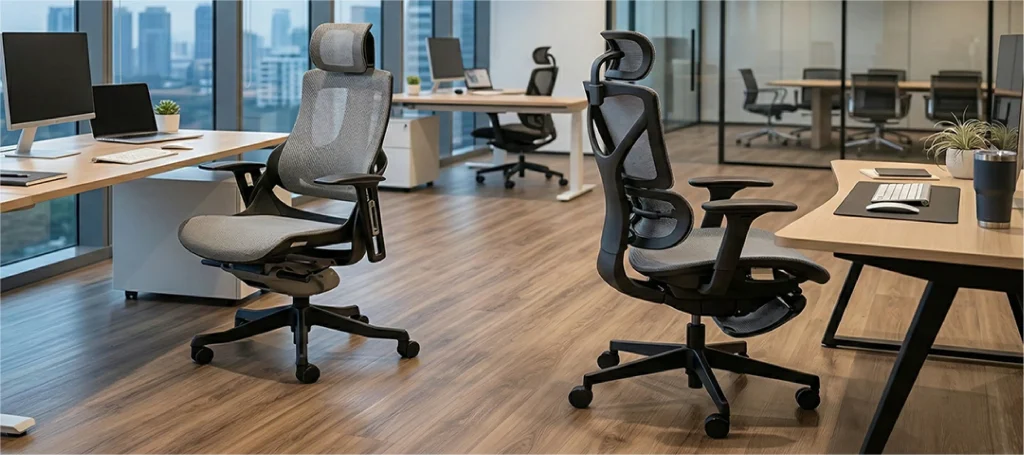
7 Signs It’s Time to Upgrade Your Ergonomic Chair
12th March, 2026

Most people change their phone before they change their chair, even though they sit in it for eight or more hours a day. According to a 2018 study by Universiti Malaysia, nearly 70% of Malaysian office workers report musculoskeletal pain in the neck, shoulders, or lower back. In many cases, the chair is a direct contributing factor.
An ergonomic chair needs replacing when you experience persistent pain after sitting, notice the cushion has flattened and lost its rebound, or find yourself constantly shifting to stay comfortable.
Quality ergonomic chairs typically last 7–10 years. If yours is older, physical wear alone may have eroded the support it once provided.
The challenge is that chair deterioration is gradual. You adapt to the discomfort slowly, and by the time the pain is noticeable, the damage to your posture and musculoskeletal health has already been accumulating.
This article covers seven clear, observable signals, both from your body and from the chair itself, that tell you it is time to upgrade.
Sign 1 – You Have Persistent Back or Neck Pain After Sitting
Occasional stiffness after a long day is normal. Pain that appears consistently within one to two hours of sitting, and eases when you stand or move around, is a clinical pattern that points squarely at your seating environment.
What this tells you about your chair
The lumbar spine has a natural inward curve. A chair without adequate lumbar support forces the lower back to flatten or round, placing sustained pressure on the intervertebral discs and surrounding musculature. Over time, and particularly in chairs where the lumbar padding has compressed with age, this leads to chronic lower back strain.
Upper back and neck pain typically signals that the backrest height or angle is misaligned with your thoracic spine, forcing your upper body into a forward-head posture to reach your screen.
What to look for in a replacement
Prioritise chairs with adjustable lumbar support, ideally height-adjustable and with depth or pressure control, so the support can be positioned precisely against your lumbar curve rather than landing at a fixed point that may not match your anatomy.
Sign 2 – Your Neck and Shoulders Feel Stiff or Sore
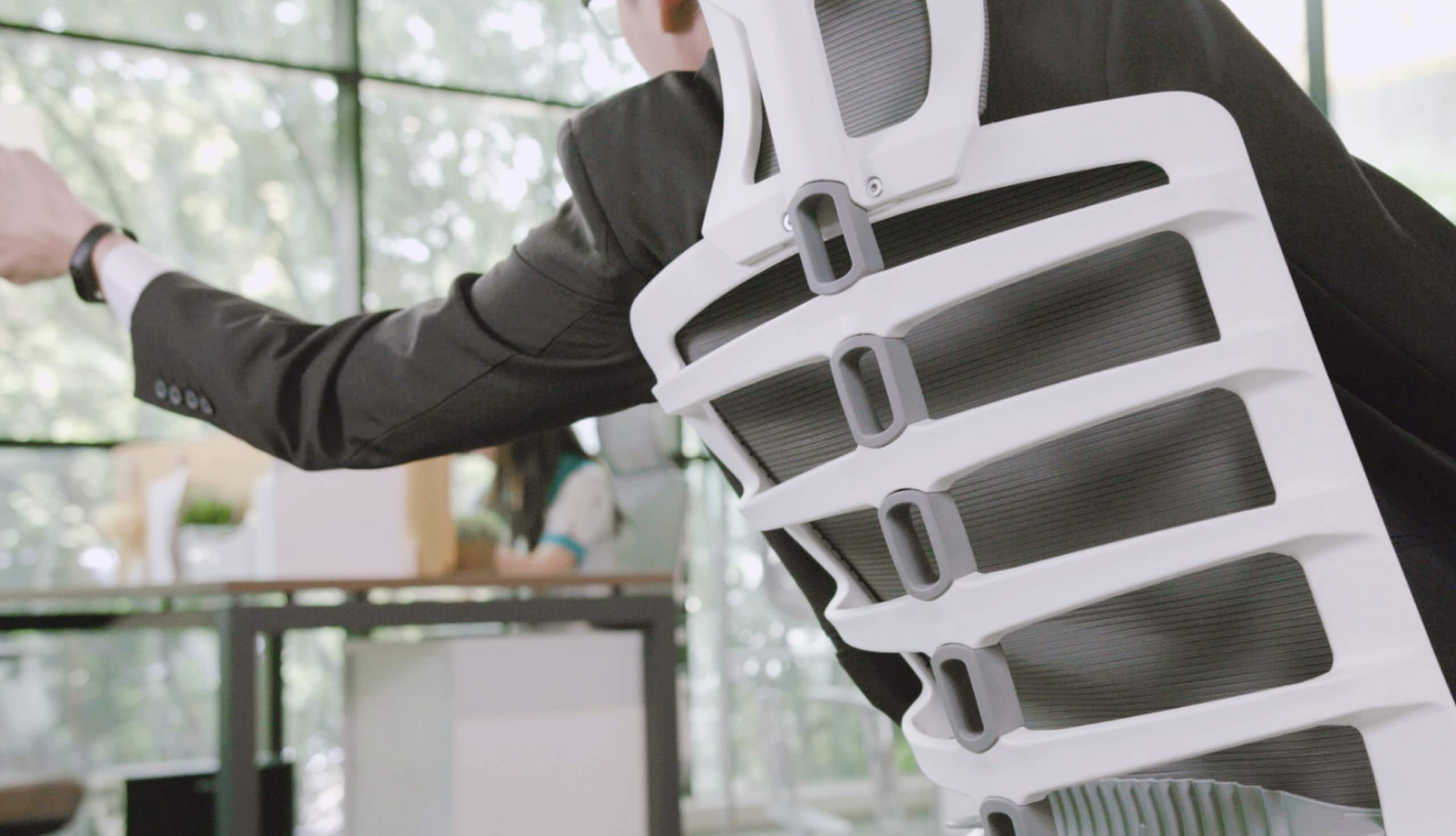
If you regularly crack your neck mid-morning, find yourself rolling your shoulders to release tension, or reach the end of the day with shoulders pulled up toward your ears, your chair is not supporting your upper body correctly.
Why upper backrest and headrest design matters
Neck and shoulder stiffness is almost always a posture problem, and posture is shaped by your chair.
When a chair’s backrest is too low, too flat, or positioned at the wrong recline angle, the muscles of the upper back and neck take over the stabilisation work that the chair’s structure should be doing.
An adjustable headrest supports the cervical spine and allows the neck muscles to fully relax during seated work, reducing the accumulated tension that causes stiffness by afternoon.
If your current chair lacks a headrest, or has one that cannot be adjusted to meet your seated eye-line, this is a structural limitation that no amount of stretching will compensate for during an eight-hour workday.
Sign 3 – Your Arms or Wrists Feel Fatigued at Your Desk
Arm and wrist fatigue during desk work is frequently attributed to the keyboard or mouse, but the chair is often the upstream cause.
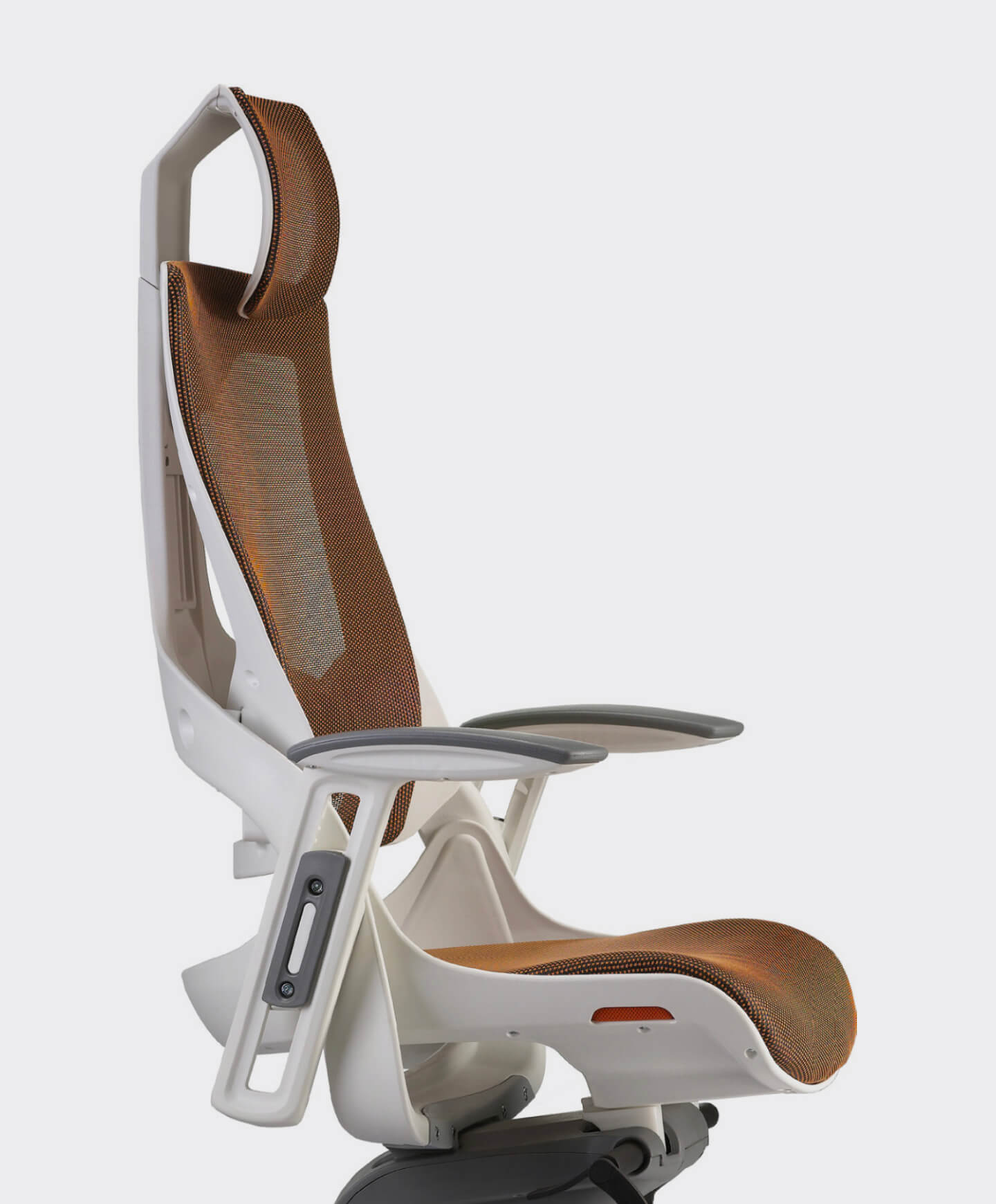
If your armrests are set too high, too low, too wide, or cannot move at all, your shoulders and forearms are compensating with sustained tension throughout every hour you sit.
The role of adjustable armrests
Properly set armrests allow the forearm to rest at roughly a 90-degree angle to the upper arm, with the shoulder relaxed and not elevated. When armrests are fixed or poorly positioned, the common adaptations are: arms hovering unsupported (trapezius strain), shoulders raised to bring arms to desk height (neck tension), or elbows resting on the desk surface rather than the chair (forward lean and spinal rounding).
Look for chairs with 4D armrests (i.e.: adjustable in height, width, depth, and pivot angle) to match the geometry of your specific workstation setup.
Sign 4 – You Feel Numb, Sore, or Compressed in Your Hips and Legs
Numbness or tingling in the thighs and legs during seated work is a pressure distribution problem. It usually means the seat pan is too deep, the seat is too hard, or the foam has degraded to the point where it no longer distributes your body weight evenly across the sit bones.
Seat depth and foam density explained
An ergonomically correct seat depth leaves roughly two to three fingers of clearance between the front edge of the seat and the back of your knee. Seat depth adjustment (where the seat pan slides forward or backward relative to the backrest) is a feature present on quality ergonomic chairs but absent on most budget models.
High-density foam maintains this geometry over time; low-density foam compresses and fails, meaning a chair that felt comfortable in the showroom may feel like a hard slab within 18 months of daily use.
Sign 5 – You’re Constantly Shifting, Fidgeting, or Perching Forward
Frequent repositioning is your body’s way of signalling that no single seated position is sustainable. You shift forward to get closer to your screen, perch on the edge to relieve back pressure, or rock side to side to change the pressure point on your hips. Each of these micro-adaptations costs you concentration and compounds muscular fatigue.
What chair adjustability actually means
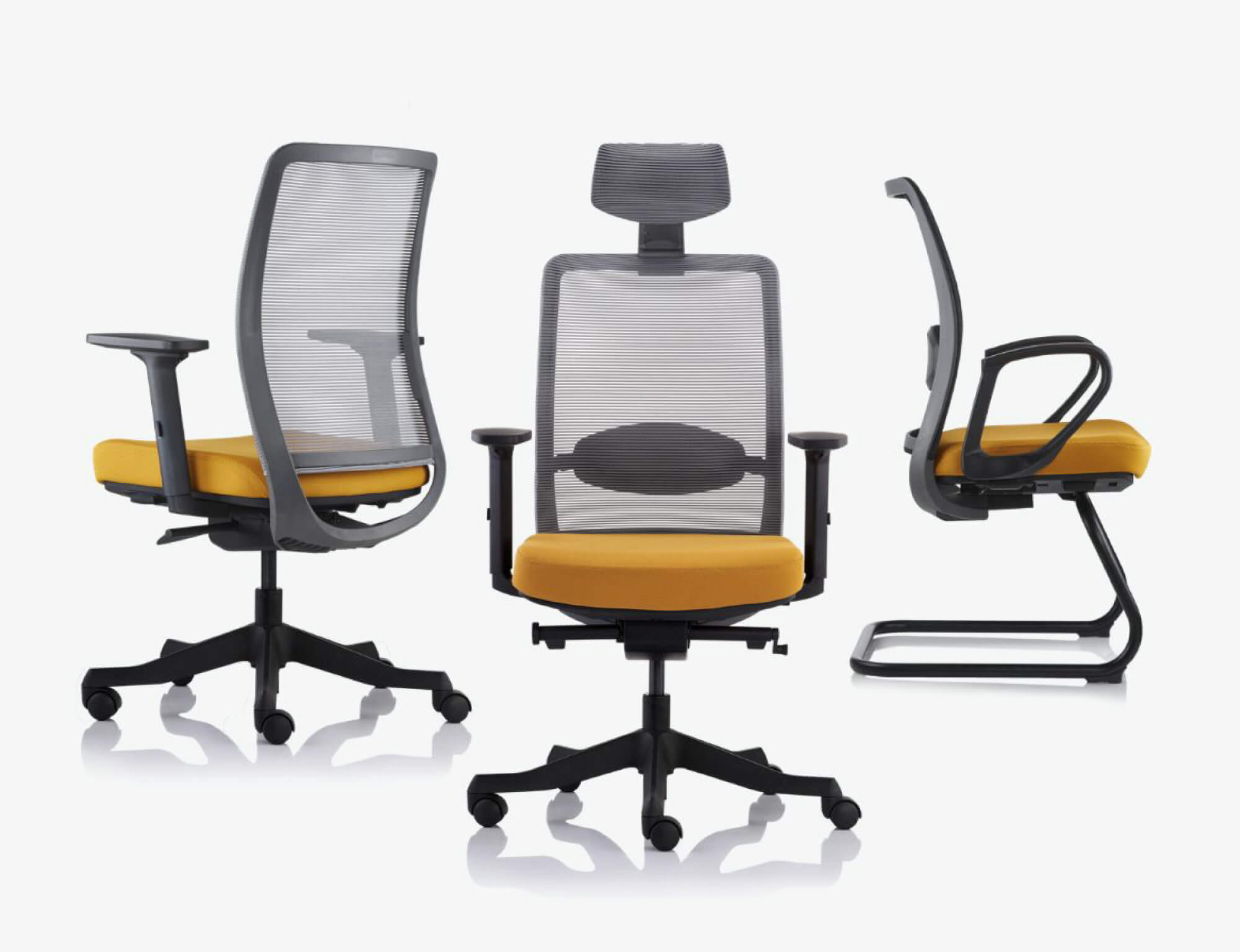
A well-fitted ergonomic chair should allow you to maintain a neutral, supported posture without effort. It ensures that your spine is aligned, your feet flat on the floor, your hips at or slightly above knee height, and your forearms level with your desk.
If you cannot achieve all of these simultaneously with your current chair’s adjustment range, the chair does not fit your body or your workstation.
Key adjustability features to evaluate:
- seat height range (does it accommodate your leg length?)
- tilt tension control (can you recline with resistance that matches your body weight?)
- backrest angle lock (can you hold a supported recline position without drifting forward?).
Sign 6 – Your Seat Cushion Has Flattened or Lost Its Rebound
This is the most overlooked sign, because it happens so gradually that most people do not notice until they sit in a newer chair and feel the difference immediately.
How to test your foam compression at home
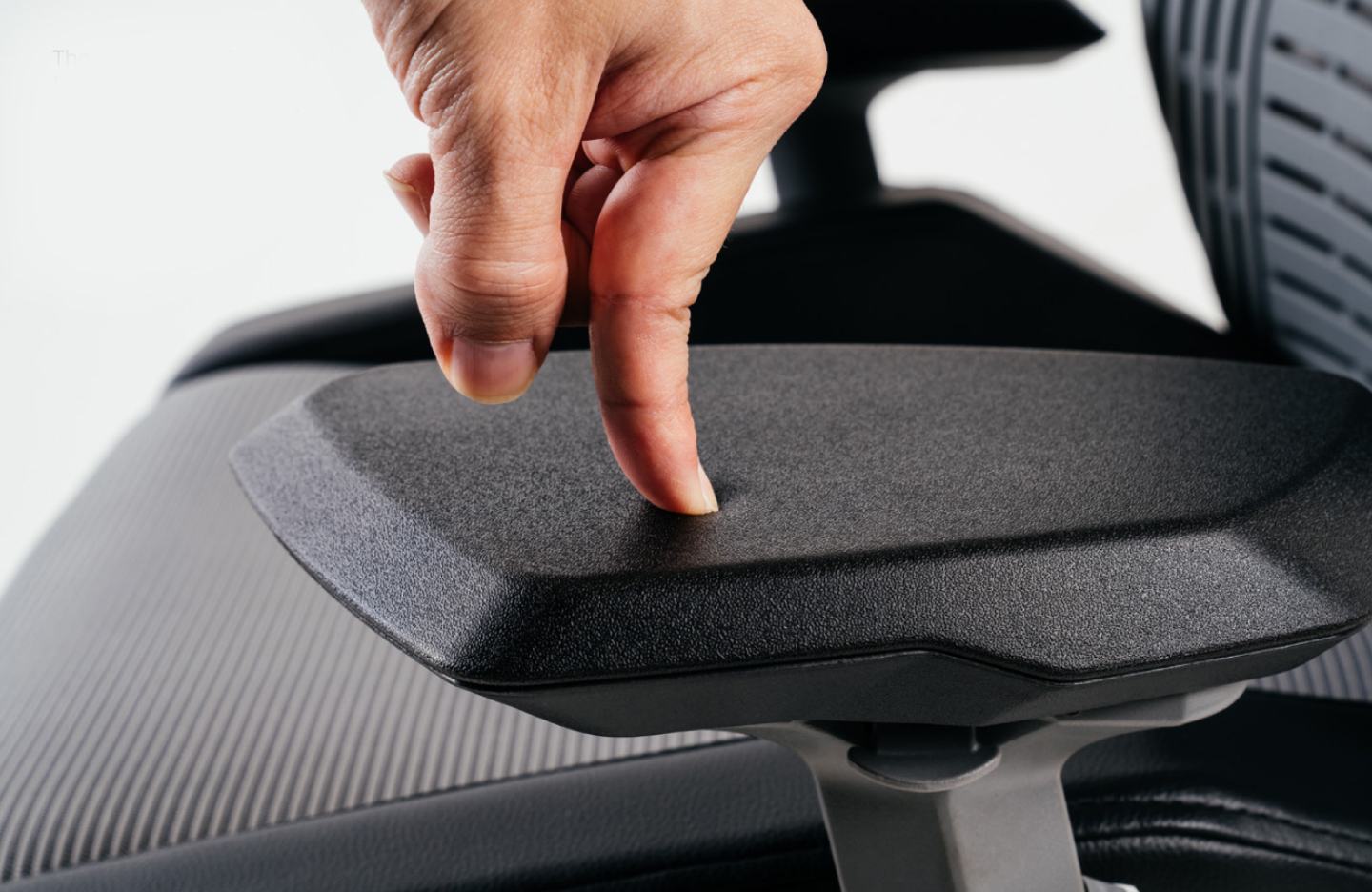
Stand up from your chair and press your hand firmly into the centre of the seat cushion.
A healthy, high-density foam cushion will compress under pressure and return to its original shape within one to two seconds.
If the foam stays compressed, takes several seconds to rebound, or shows a visible indentation from your regular sitting position, the foam has structurally failed.
At that point, the chair is no longer distributing your body weight, it is concentrating pressure on your sit bones and tailbone, which causes the discomfort and numbness many users attribute to simply sitting too long.
Budget chairs using low-density foam typically reach this failure point within 18 to 24 months of daily use. Quality ergonomic chairs using high-resilience foam or woven suspension maintain their support profile significantly longer.
Sign 7 – Your Chair’s Mechanisms Are Broken, Stiff, or Unstable
An ergonomic chair that cannot be adjusted is, functionally, no longer ergonomic.
If you encounter any of these, it’s a definitive sign that you should change your ergonomic chair or make an upgrade:
- height lever no longer holds position
- the tilt mechanism is locked stiff or drifts uncontrollably
- the armrests wobble
- the base feels unstable when you shift weight
When repair vs. replace makes sense
Gas lift cylinders and caster wheels are relatively inexpensive to replace and are worthwhile if the chair’s structure and foam are otherwise intact.
Broken tilt mechanisms, cracked backrests, or a frame that flexes under load are structural failures that are generally uneconomical to repair, particularly on chairs that are already five or more years old, where other components are also approaching end of life.
An unstable base is a safety issue that should be addressed immediately, not monitored.
How Long Should an Ergonomic Chair Last?
A quality ergonomic chair from a reputable manufacturer should last 7 to 10 years with daily office use.
Budget chairs using lower-grade foam and mechanisms typically begin to fail structurally within 2 to 3 years. However, there are still budget ergonomic chairs from us that still hold the quality test without compromising much.
If your chair is approaching or past either of these thresholds and you are experiencing any of the signs above, age alone is sufficient justification for an upgrade.
Chair lifespan depends on three factors: the quality of the foam (density and resilience rating), the durability of the adjustment mechanisms, and the weight and usage pattern of the primary user.
When evaluating a new chair’s expected lifespan, look for chairs that comply with BIFMA testing standards, which set minimum durability thresholds for commercial seating under simulated years of use.
Quick Self-Check: Is It Time to Upgrade?
Run through this checklist. If you answer yes to three or more, an upgrade is worth serious consideration:
- I feel back or neck pain within 1–2 hours of sitting
- My neck and shoulders are stiff or sore by midday
- My arms or wrists feel fatigued during desk work
- I experience numbness or soreness in my hips or legs during long sessions
- I am constantly shifting or repositioning to find a comfortable spot
- My seat cushion does not spring back when I press into it
- One or more adjustment mechanisms are broken, stiff, or ineffective
- My chair is 7 or more years old
What to Look for in Your Next Ergonomic Chair
Not all chairs labelled “ergonomic” are built equally. Before purchasing, evaluate these five criteria against your specific body dimensions and work setup.
For a structured approach to matching a chair to your body, see our guide on how to choose an ergonomic chair using a 3-layer body fit test.
- Adjustable lumbar support — height- and depth-adjustable, not fixed, so it meets your specific lumbar curve
- Seat depth adjustment — slide-adjustable seat pan to achieve correct knee clearance for your leg length
- 4D armrests — adjustable in height, width, depth, and pivot to match your desk and shoulder width
- High-resilience foam or mesh seat — holds its support profile under daily use; test rebound before purchasing
- Tilt mechanism with tension control — allows supported recline with resistance calibrated to your body weight
If you are navigating different price tiers, our breakdown of the best ergonomic chairs for every budget in 2026 covers what you realistically get at each price point and where the trade-offs are.
Frequently Asked Questions
Can a bad office chair cause back pain?
Yes. A chair without proper lumbar support forces the lower back to round or flatten, placing sustained pressure on the spinal discs and surrounding muscles. Over hours of daily use, this leads to chronic lower back and upper back pain. If your pain consistently eases when you stand up and walk around, your chair is the most likely cause.
How long should an ergonomic chair last?
A quality ergonomic chair should last 7 to 10 years with regular office use. Budget chairs using low-density foam and lower-grade mechanisms typically begin to fail structurally within 2 to 3 years. Key failure points are foam compression, gas lift cylinder failure, and tilt mechanism stiffness or breakage.
How do I know if my chair is truly ergonomic?
A truly ergonomic chair allows you to simultaneously achieve: feet flat on the floor, hips at or slightly above knee height, lower back supported in its natural curve, forearms level with your desk, and shoulders relaxed. If you cannot achieve all of these at once with your chair’s available adjustments, it is not ergonomic for your body — regardless of what it says on the label.
Is it worth investing in an ergonomic chair?
For anyone sitting more than 4 hours per day, yes. The musculoskeletal strain from unsupported sitting accumulates over months and years, and the costs — physiotherapy, lost productivity, chronic pain — significantly exceed the price difference between a basic chair and a quality ergonomic one. Think of it as a health investment with a 7–10 year return horizon, not a one-time furniture purchase.
MORE BLOGS
Small Home Office Ideas That Protect Your Back and Save Space
Small home office ideas don’t need to start with Pinterest boards and paint swatches. They need to start with your spine. A PMC study found that 61.2% of home workers reported musculoskeletal discomfort while working remotely, and over half were working from dining tables or bedrooms. The fix isn’t a bigger room. It’s a smarter […]
Read More
Ergonomic Home Office Setup: A 5-Zone Guide That Works
Your ergonomic home office setup is probably wrong. A PMC study found that 61.2% of home workers reported musculoskeletal discomfort while working remotely. Nearly half were working from dining tables or bedrooms. An ergonomic home office setup comes down to five zones: chair, desk, screen, peripherals, and environment. Get these five right and you fix […]
Read More
Your Ergonomic Chair Size Guide for Every Height and Weight
An ergonomic chair size guide should start with your body, not a product page. About 40% of the working population falls outside the “standard” range most chairs target. That means your chair might look ergonomic. It could still miss your body entirely. Your ideal chair size comes down to three numbers. Popliteal height (floor to […]
Read More
Office Chair Cost Calculator: Your True Cost Per Sit
An office chair cost calculator reveals something most Malaysian buyers overlook: the daily price of sitting. Divide any chair’s price by the total sits across its lifespan. That one number is the cost per sit. For Malaysian workers averaging 45 hours per week at a desk, the math favours mid-range ergonomic chairs over budget options […]
Read More